All modulesExample data
People & Communication
One work inbox for the whole plant
Tasks come from events in other modules or are added by hand, each with a type, a history and an owner when assigned.
IRISTasks · WorkPlant A08:00
Work board
Open
In progress
Done
Verified
Guard P-02TASK-7704
Label rackTASK-7702
Scale checkTASK-7699
NCR-0318TASK-7712
5S checkTASK-7713
QMS · NCR assigned
NCR-0318 · DispositionNon-conformanceAssigned to A. Lis
Recurring task
Weekly 5S check · Area BCreated by the schedule.Overdue summary
Area B · 3 tasksSummed up per area.NCR-0318 verified
Confirmed by A. Lis, plant manager
One work inbox for the whole plant.
What it does
- 01
Tasks from events
CMMS, MES, QMS, WMS, HSE and other modules send events. Each event type becomes a task type.
- 02
Recurring tasks
A recurring definition with a schedule creates its tasks on its own. The scheduler checks every five minutes.
- 03
Role gates and rules
A task type sets who can close it and who confirms the work. Routing rules decide who receives a task.
Where the data comes from
- Events from CMMS, MES, QMS, WMS, LMS, HSE, People, MRP and GEMBA.
- Users create tasks, recurring definitions, types, rules and projects by hand.
- The recurring-task scheduler and automation rules, which can create or change tasks.
Good to know
- The NCR, work order or leave request stays in its own module. Tasks track the work.
- Time logged on a task is not attendance. Attendance records are in People.
- Attachments, watchers, start date and percent complete exist in the data but have no screen.
Screens from the IRIS demo
Sample data from the IRIS demo factory. Click a screen to enlarge it.
Read more
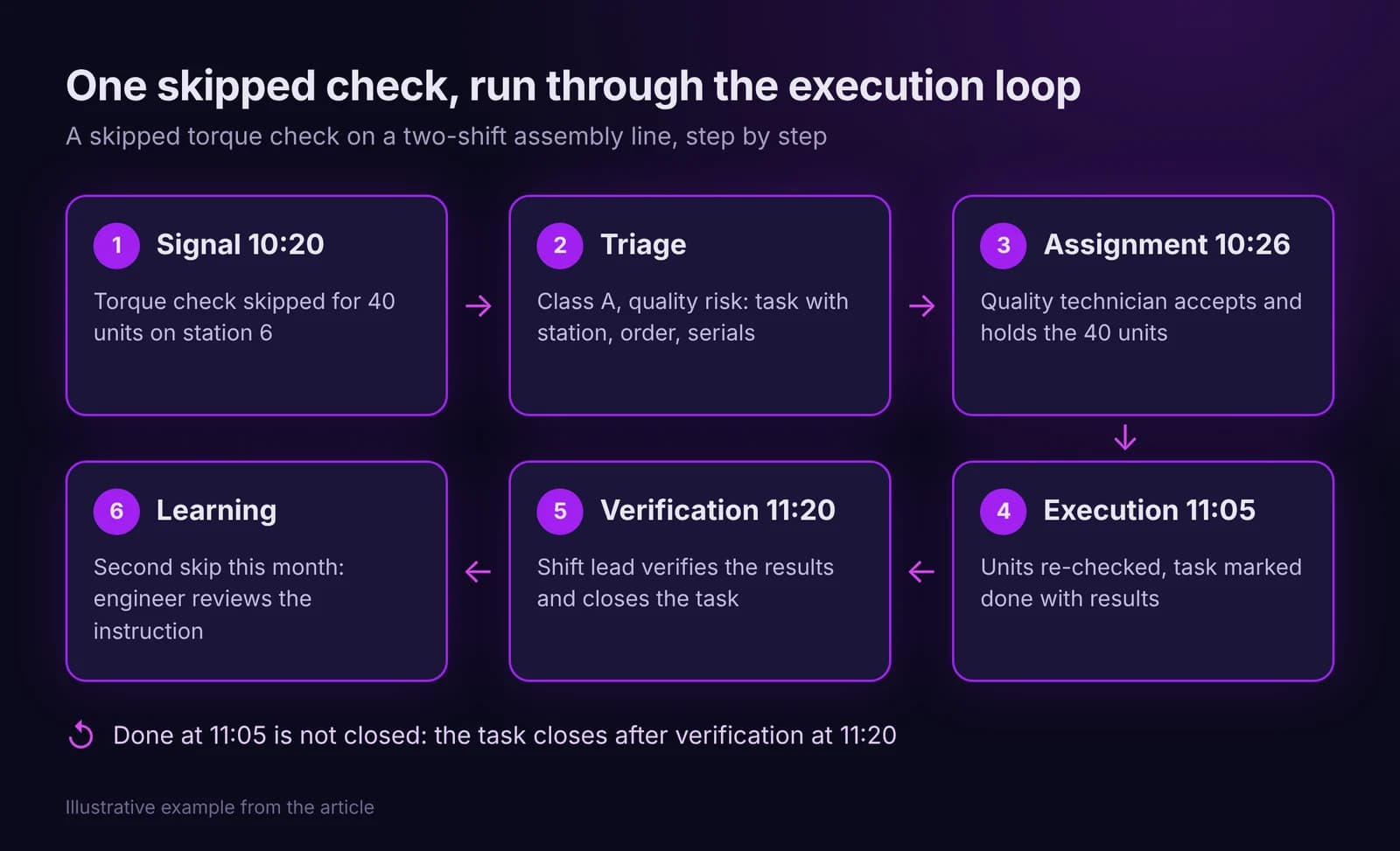
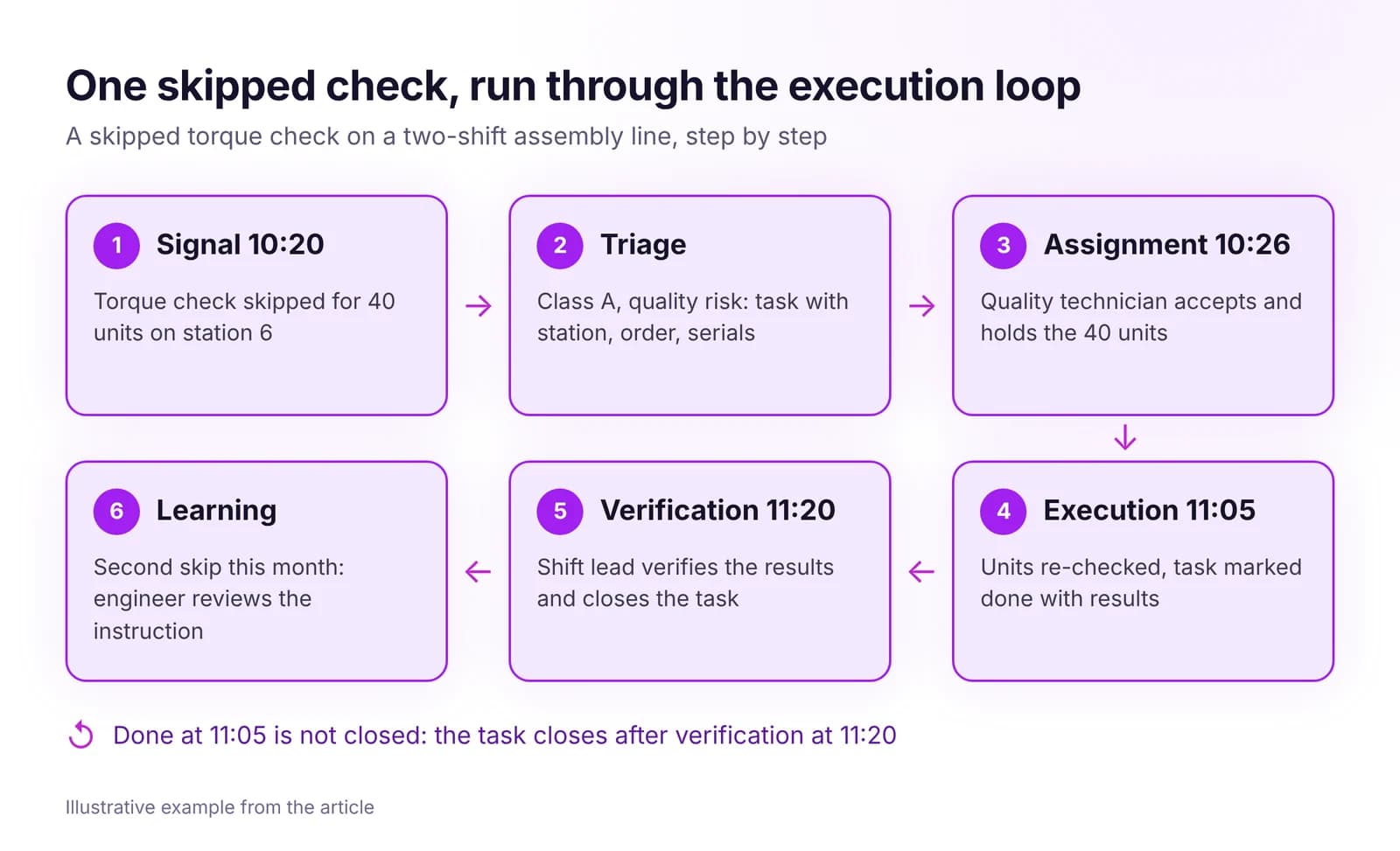 From Signal to Task to Closure: How the Execution Loop WorksHow a shop floor signal becomes a task with one owner, a deadline and a verified result. The seven steps of the execution loop and how to measure it.Read article · 7 min
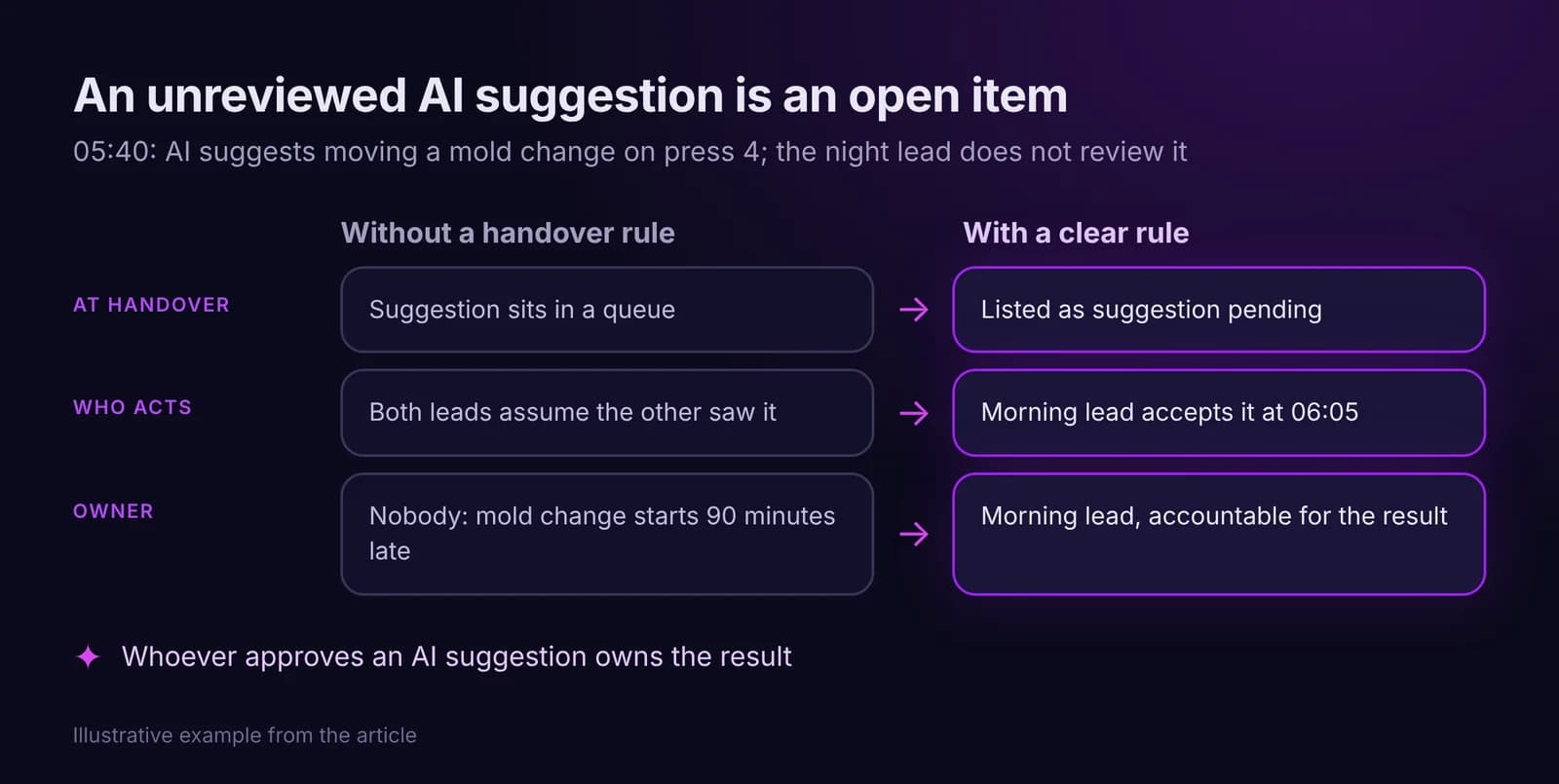
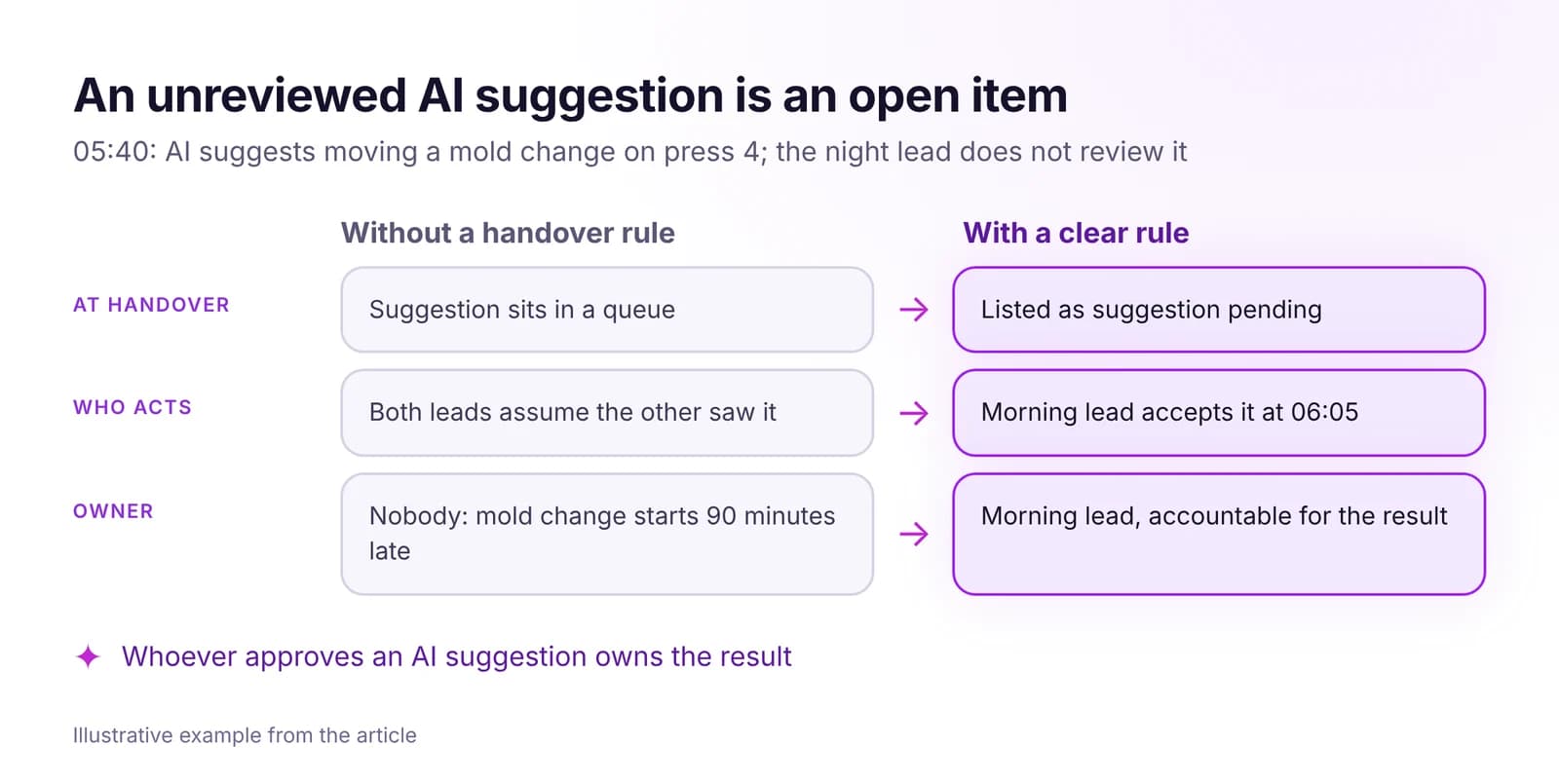 How to Keep Accountability Clear Across Shifts, With AI in the LoopOne owner per task, ownership that moves only on acceptance, and escalation by role and clock time. Handover rules that hold, including for AI suggestions.Read article · 7 min
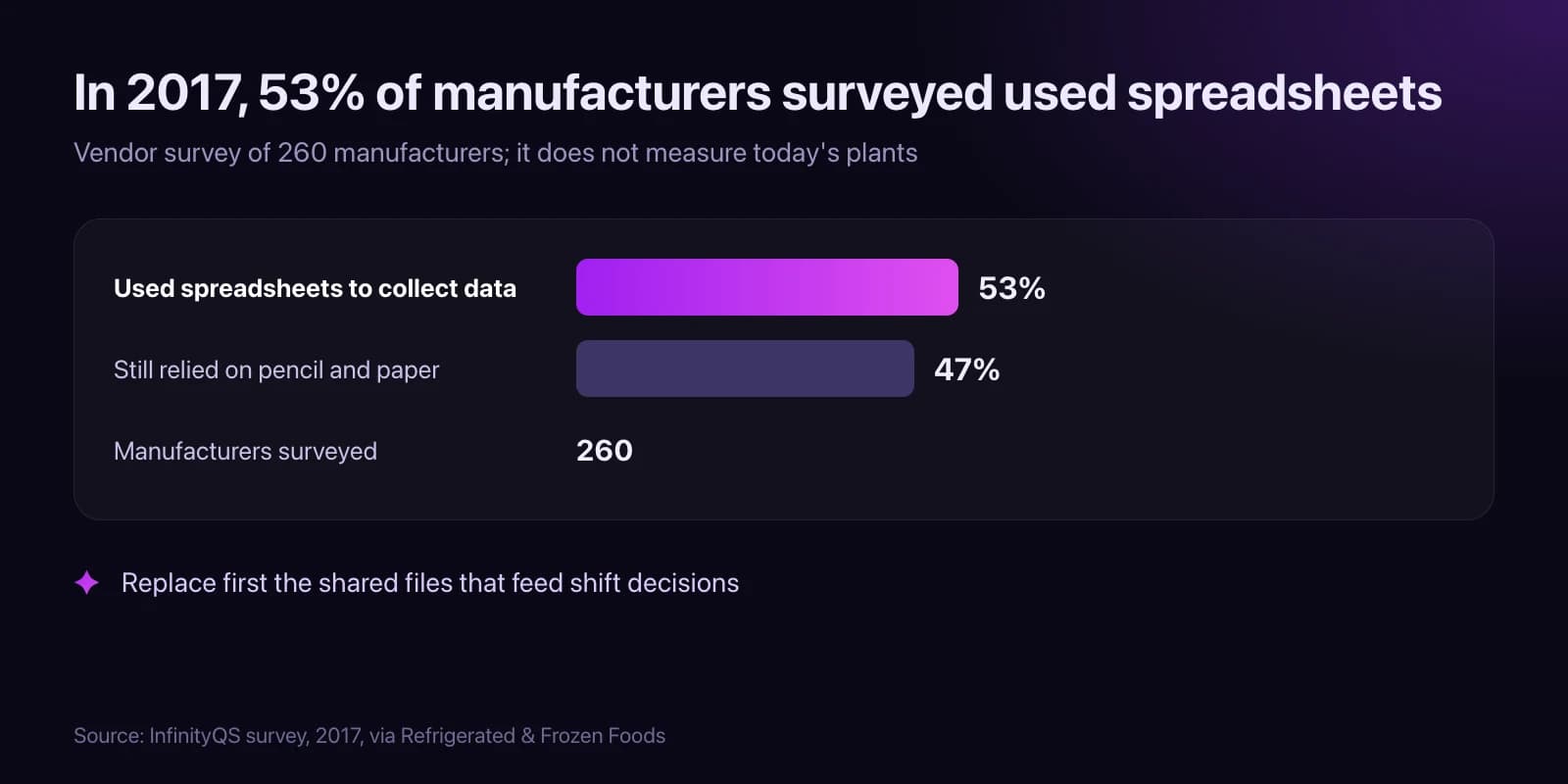
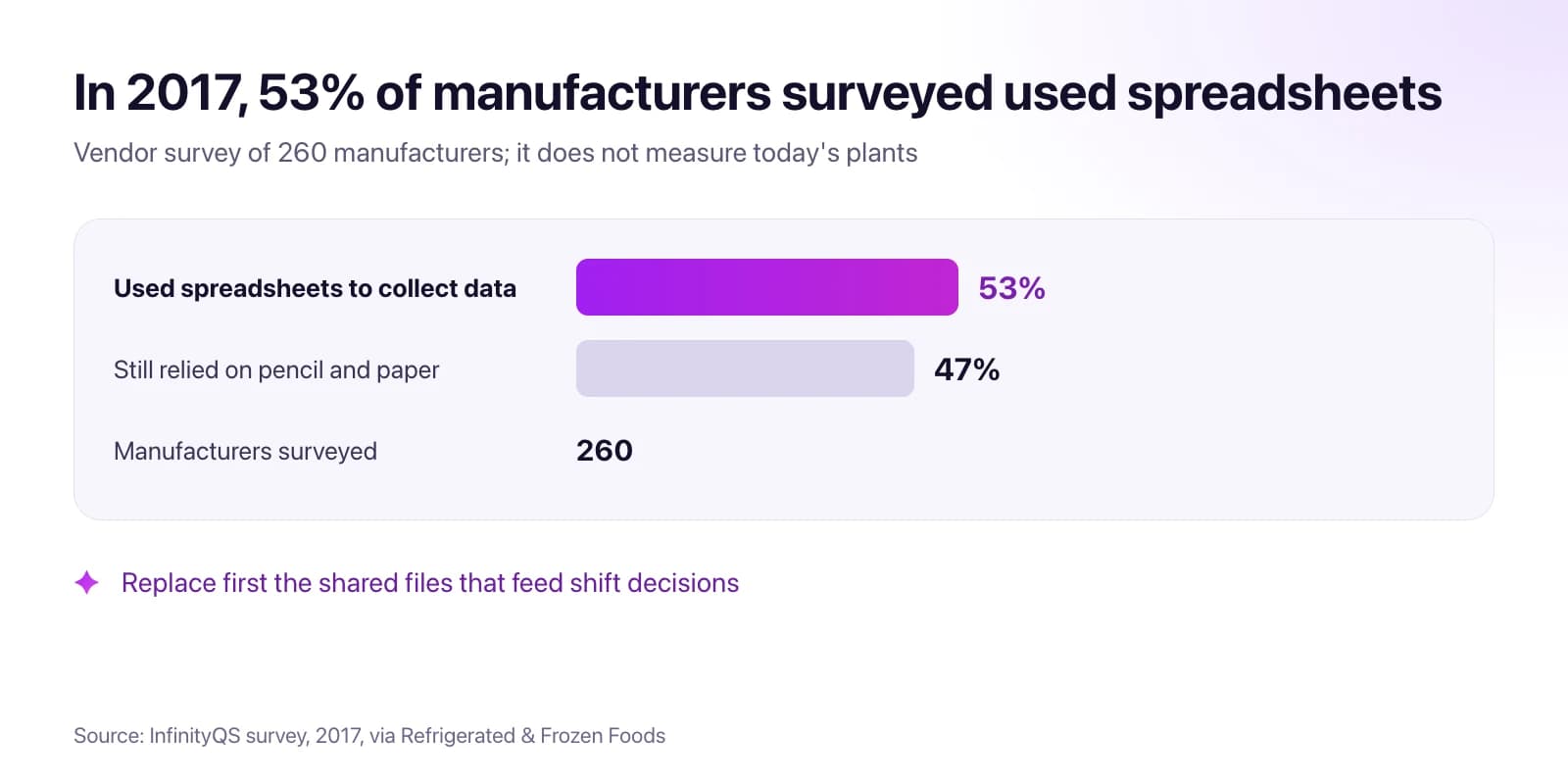 Why Plants Still Run on Spreadsheets, and Which Ones to Replace FirstWhy factory spreadsheets survive, a one-week inventory to find the ones that matter, which to replace first, and how to retire each one safely.Read article · 9 min
Try Tasks in IRIS
Start a 14-day trial on your plant's data, or open the interactive demo with sample data.