All modulesExample data
Data & Intelligence
Build a report once and schedule it
Reporting turns data from six modules into reports. Pick a source, filters, columns and a chart, then put the report on a schedule.
IRISReporting · BuilderDowntime reportSource
- 1Source
- 2Filters
- 3Columns
- 4Chart
Preview
- Press-02Breakdown
- Weld-03Setup
Downtime by station (min)
Press-02Weld-03
Data source
Downtime · MESSources come from six modules.Schedule · monthly
1st of the month- Time
- 06:00
- Data window
- Previous month
- Recipients
- 3
Run history
Run of Oct 2026XLSXCSVPDF
Pick a source from six modules.
What it does
- 01
Step-by-step builder
Choose a source, filters, columns and a chart type. A live preview shows the table and chart before you save.
- 02
Daily, weekly or monthly
Set the hour, the day and the data window. Pick recipients from the employee directory or type an address.
- 03
Run history
Every run is kept as a snapshot of its rows, so last month's report still shows last month's data.
Where the data comes from
- Definitions and schedules created in the report builder.
- Data read from MES, QMS, CMMS, HSE, WMS and People at each run.
- Recipients from the employee directory or typed email addresses.
Good to know
- Access to the report builder follows MES permissions. There is no reports-only role.
- Not every filter works on every source. Check the date range in the preview.
- Deleting a report definition also deletes its schedules and run history.
Screens from the IRIS demo
Sample data from the IRIS demo factory. Click a screen to enlarge it.
Read more
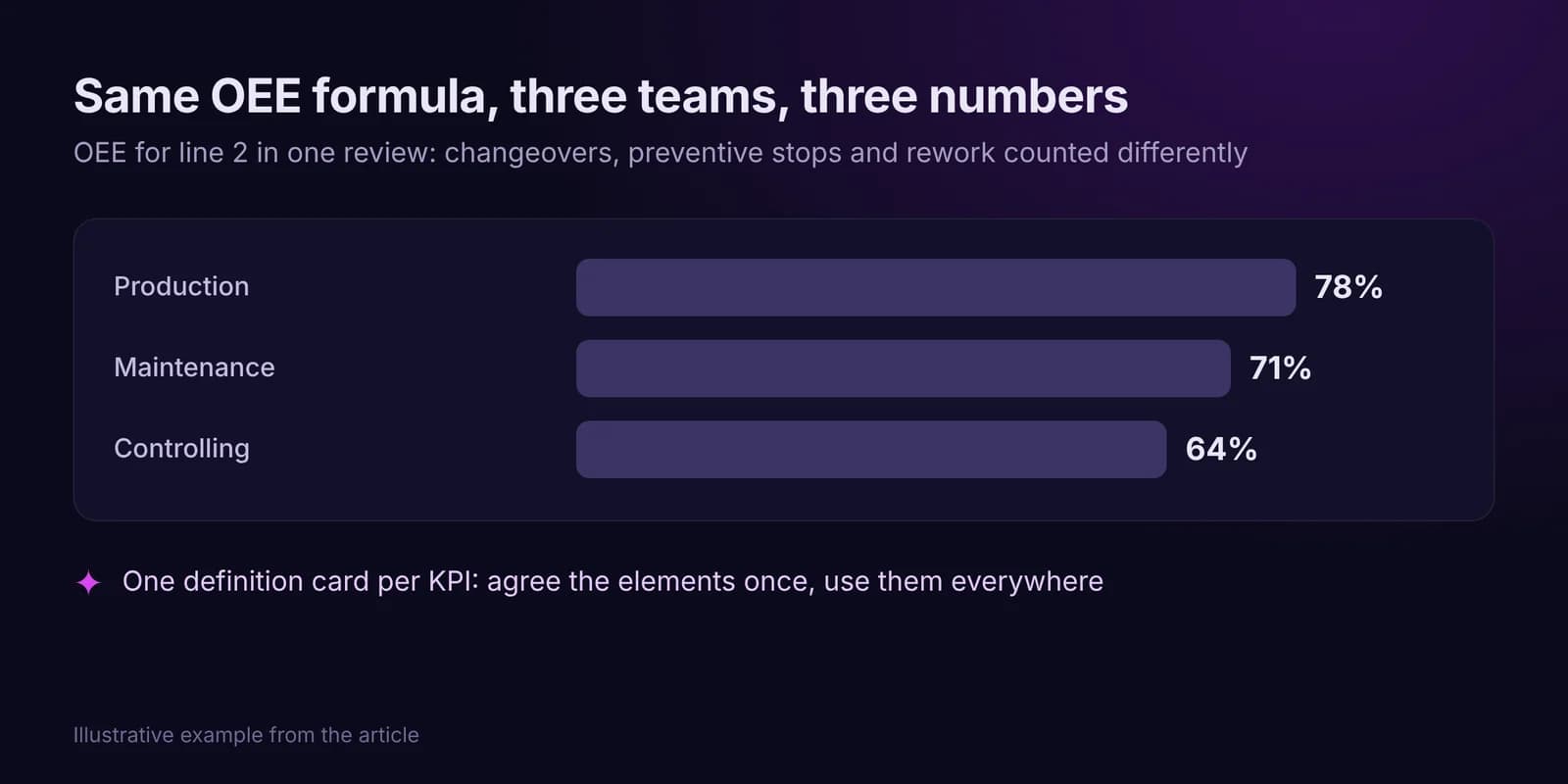
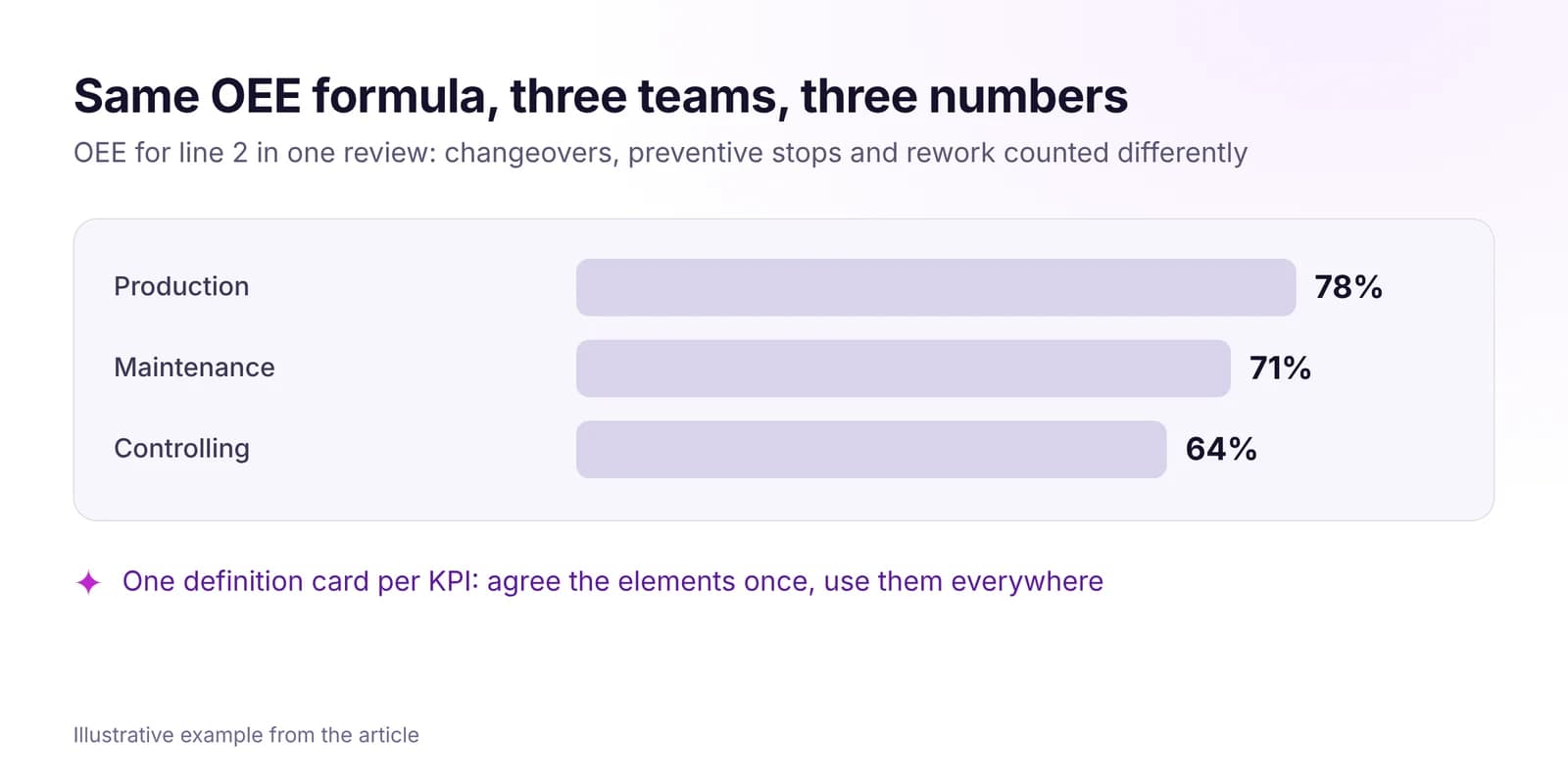 How to Build a Real-Time KPI System for Your FactoryGive every factory KPI one definition, one data source, one owner and one view. A four-step method based on ISO 22400, with an OEE definition card example.Read article · 7 min
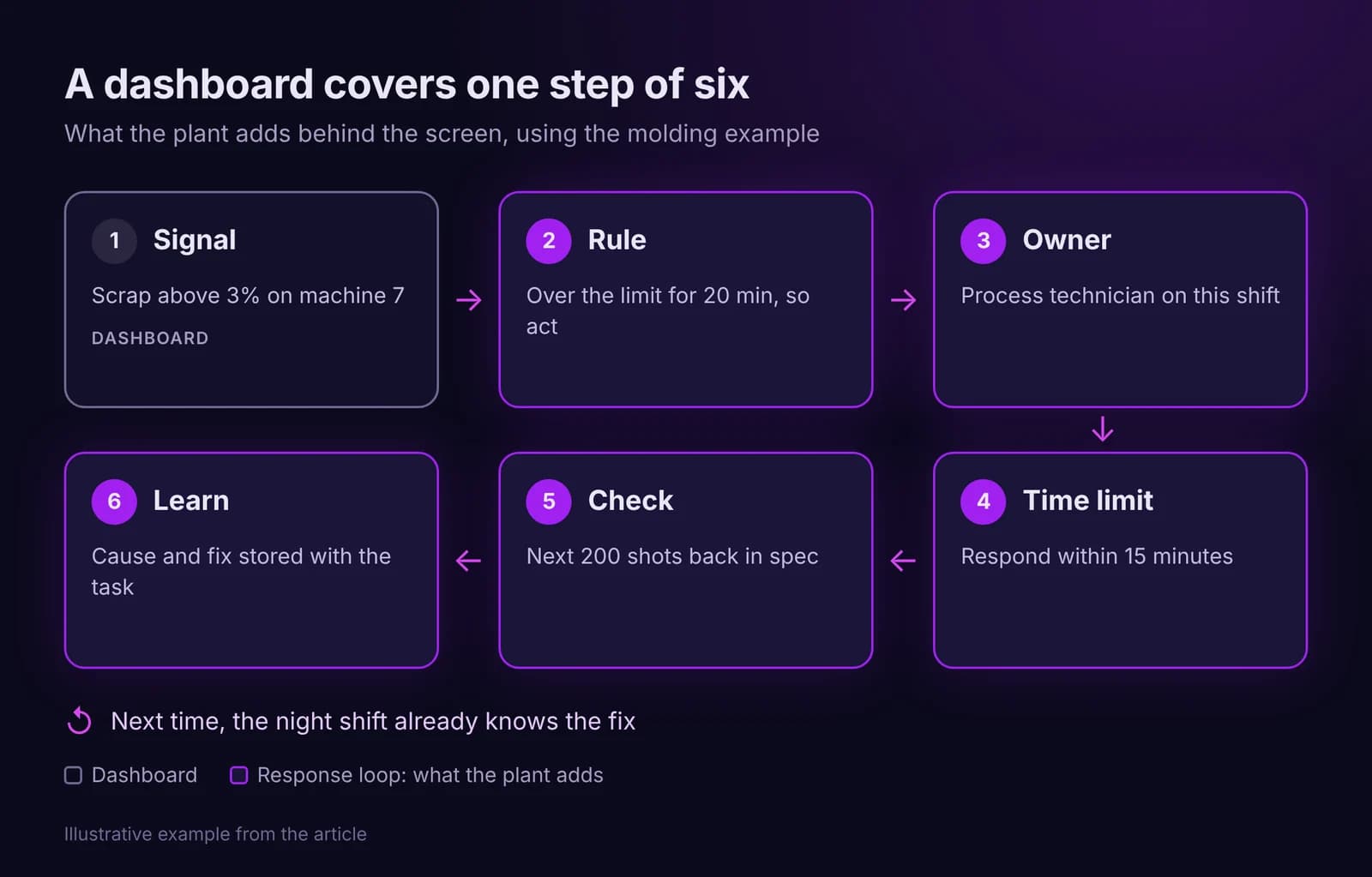
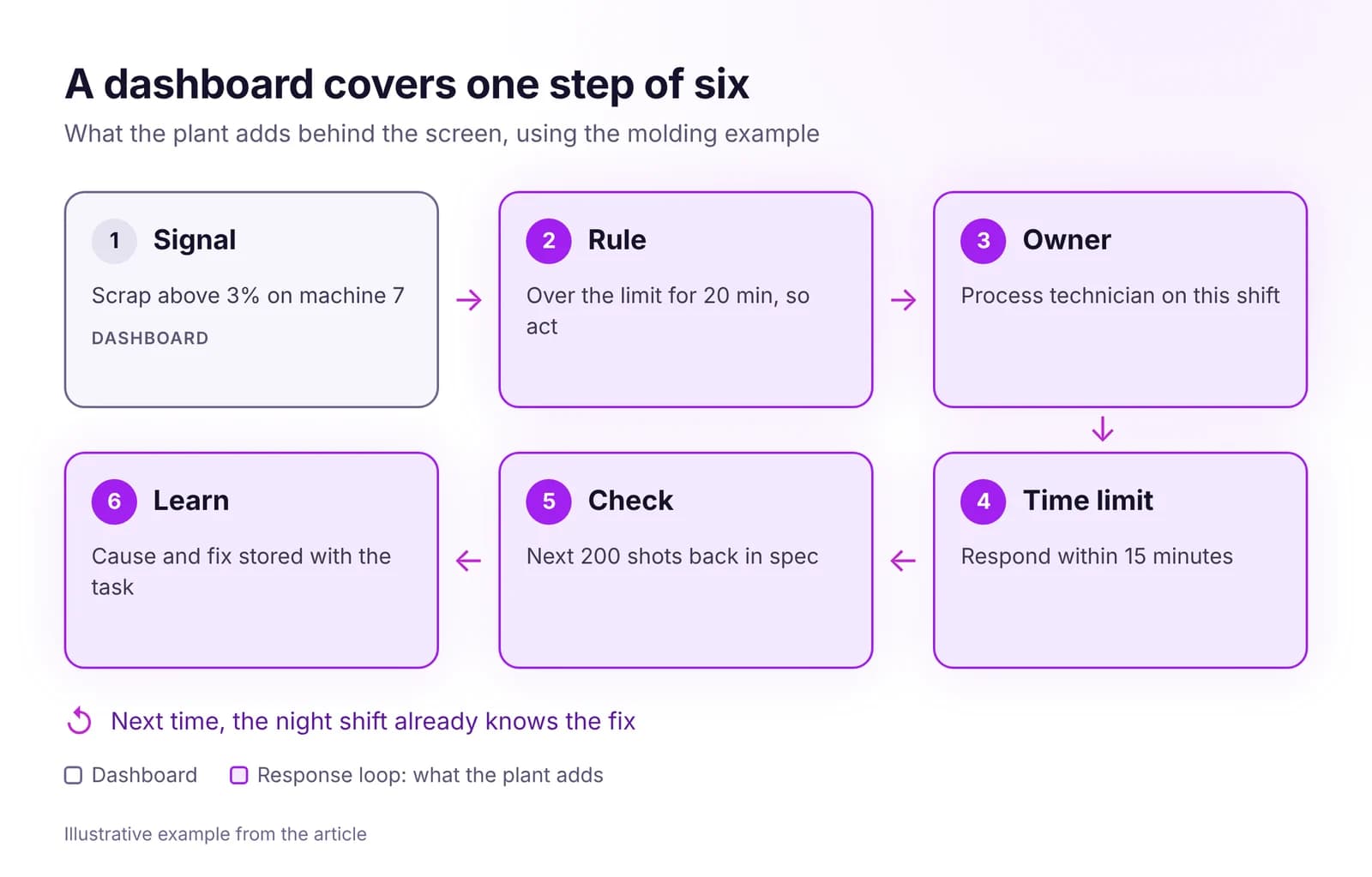 Why Dashboards Don't Fix Factories, and What DoesA dashboard shows a problem but gives it no owner, deadline or check. The five gaps between the screen and the shop floor, and how to close them.Read article · 7 min
Try Reporting in IRIS
Start a 14-day trial on your plant's data, or open the interactive demo with sample data.