All modulesExample data
Production & Quality
Run every production order from release to close
Operators log output, downtime and defects at a kiosk. MES Production turns them into OEE and a shift handover the next team confirms.
IRISMES Production · Shop Floor13:40
- Good
- 1146
- Scrap
- 0
- Downtime
- 0min
Cut-01Running
PO-2318
Output312/500
Press-02Running
PO-2318
Output298/500
Weld-03Running
PO-2318
Output287/500
Pack-04Running
PO-2318
Output249/500
Kiosk · Press-02
Defect reportedSigned in with RFID cardBurr2 pcs
Breakdown · Press-02
Logged at the kiosk
Downtime 6 minOEE · Line 1 · Shift A
- Availability
- 88%
- Performance
- 92%
- Quality
- 97%
- OEE
- 79%
Shift handover
Filled from MES dataOutputDowntimeOrders in progressAndon
Shift A · ready to confirmConfirmed by shift B · 14:02
ConfirmConfirmed
Line 1 runs order PO-2318 on four stations.
What it does
- 01
A kiosk at every station
Operators sign in with a PIN or RFID card, start and finish orders, and report parts, defects and breakdowns.
- 02
One OEE for every screen
The cockpit, reports and KPI / Analytics use one calculation of availability, performance and quality.
- 03
Quality and traceability
SPC charts check each measurement against control limits. The genealogy tree traces every unit and batch.
Where the data comes from
- The operator kiosk: parts, defects, breaks, breakdowns and Andon calls.
- Schedules published in APS, and orders imported from CSV or XLSX files.
- Machine alarms from IoT and Data Bridge. A critical alarm becomes an Andon alert.
Good to know
- Schedules come from APS. MES Production runs them and reports order status back.
- Machines connect through IoT and Data Bridge. MES Production has no direct link to PLCs.
- Work instructions and process definitions are written in Engineering. MES Production carries them out.
Screens from the IRIS demo
Sample data from the IRIS demo factory. Click a screen to enlarge it.
Read more
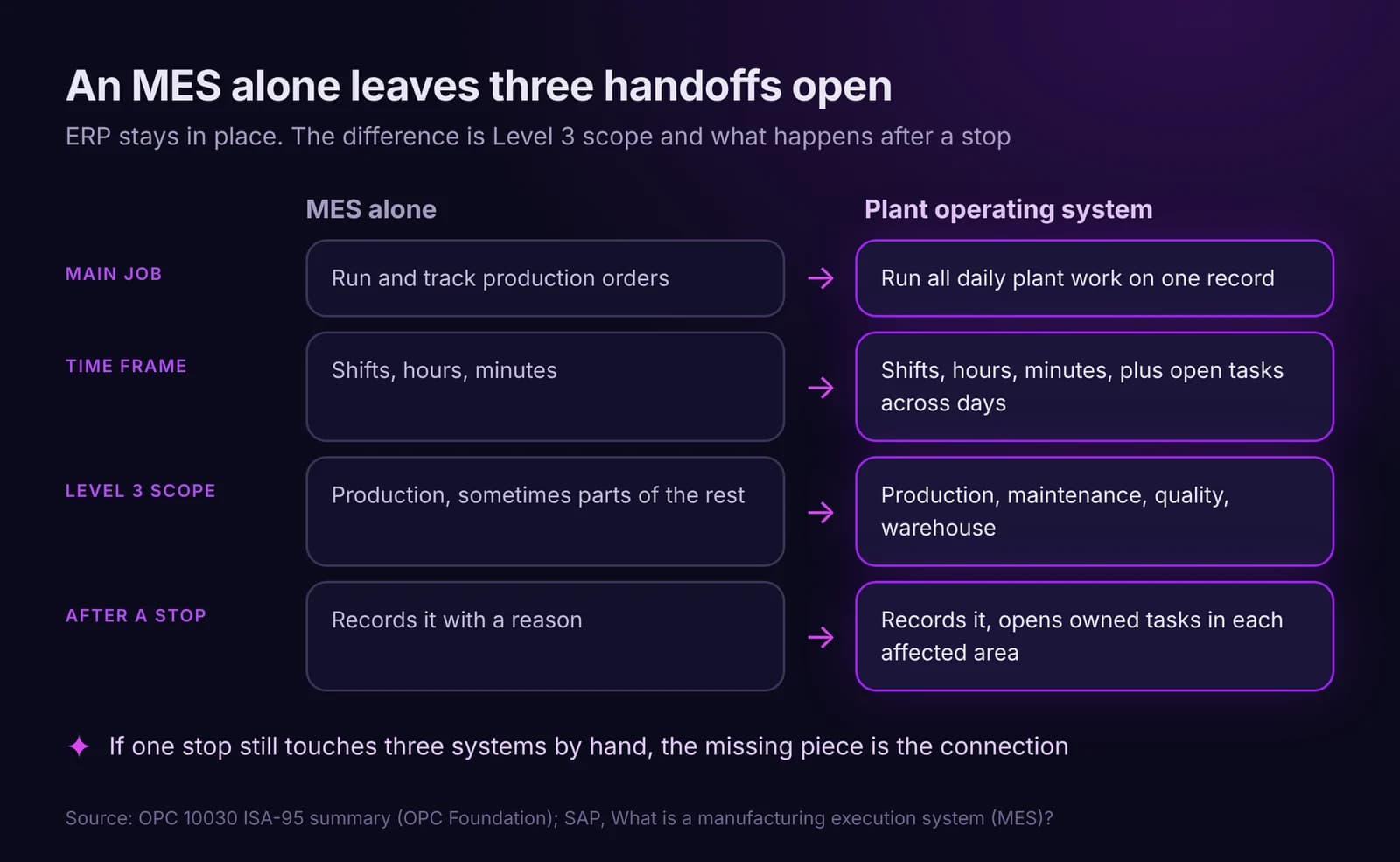
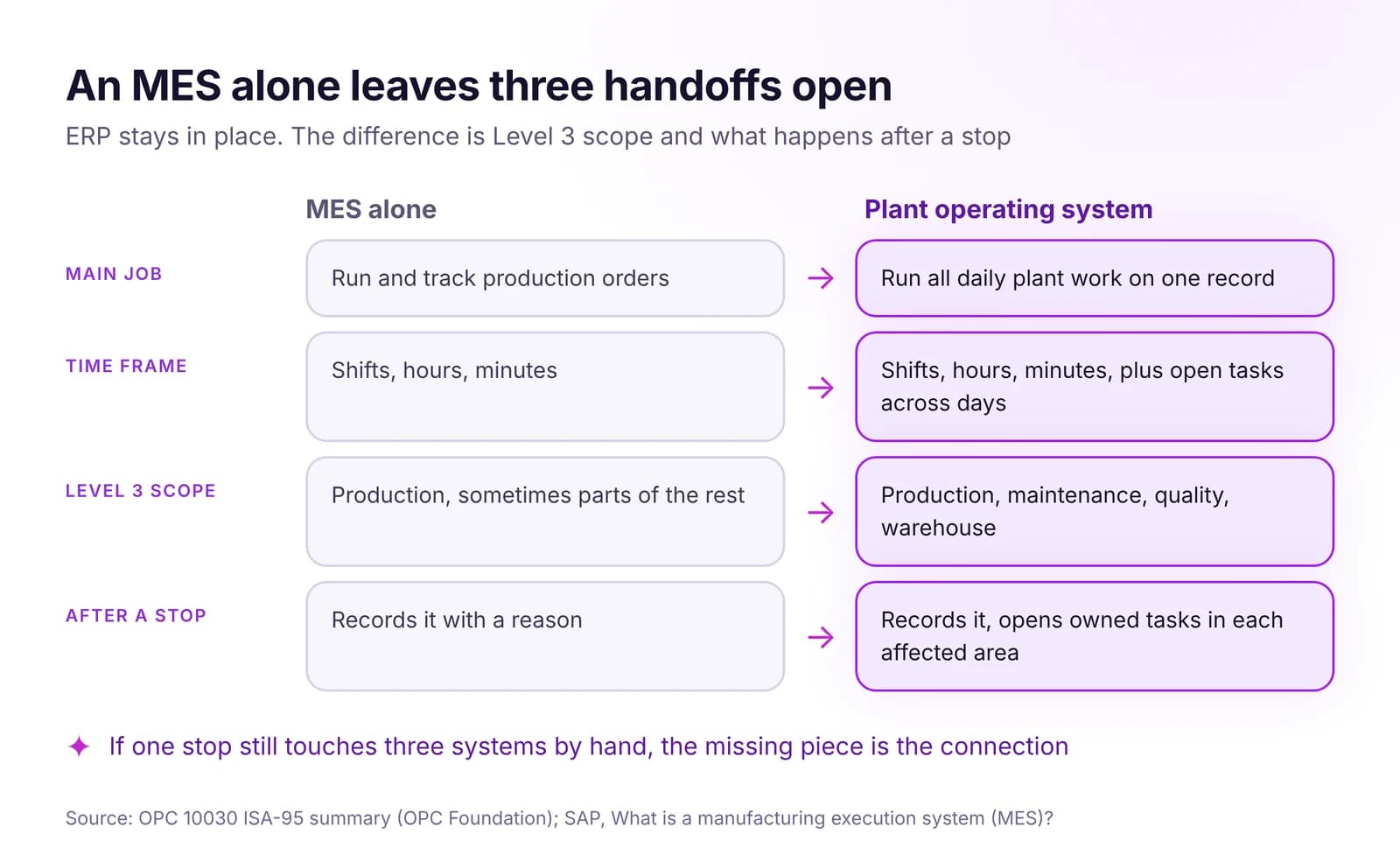 Plant Operating System vs MES vs ERP: Who Does What in a PlantERP plans the business, MES runs production orders, a plant operating system runs all plant work on one record. Who does what, and where MES stops.Read article · 7 min
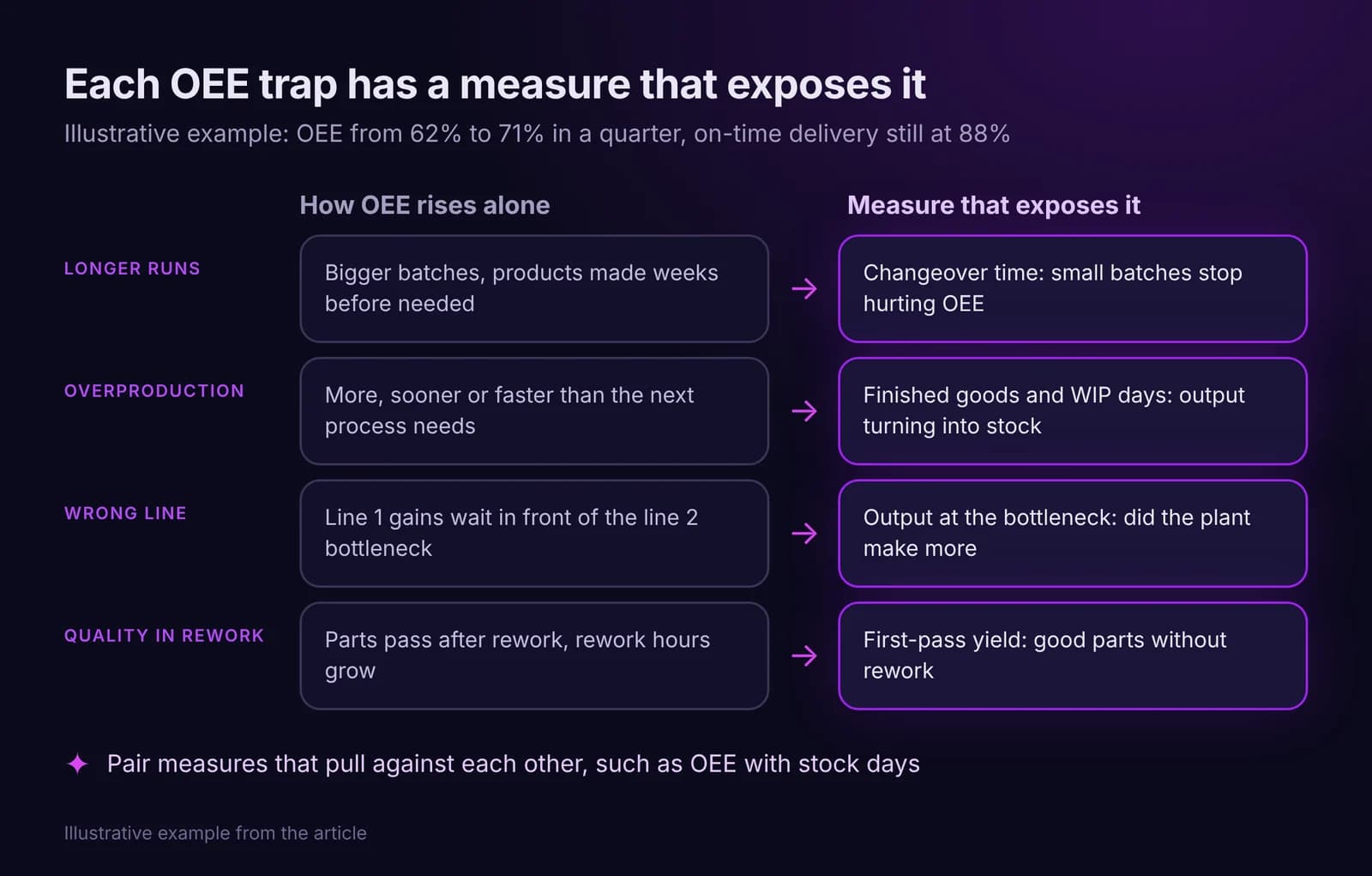
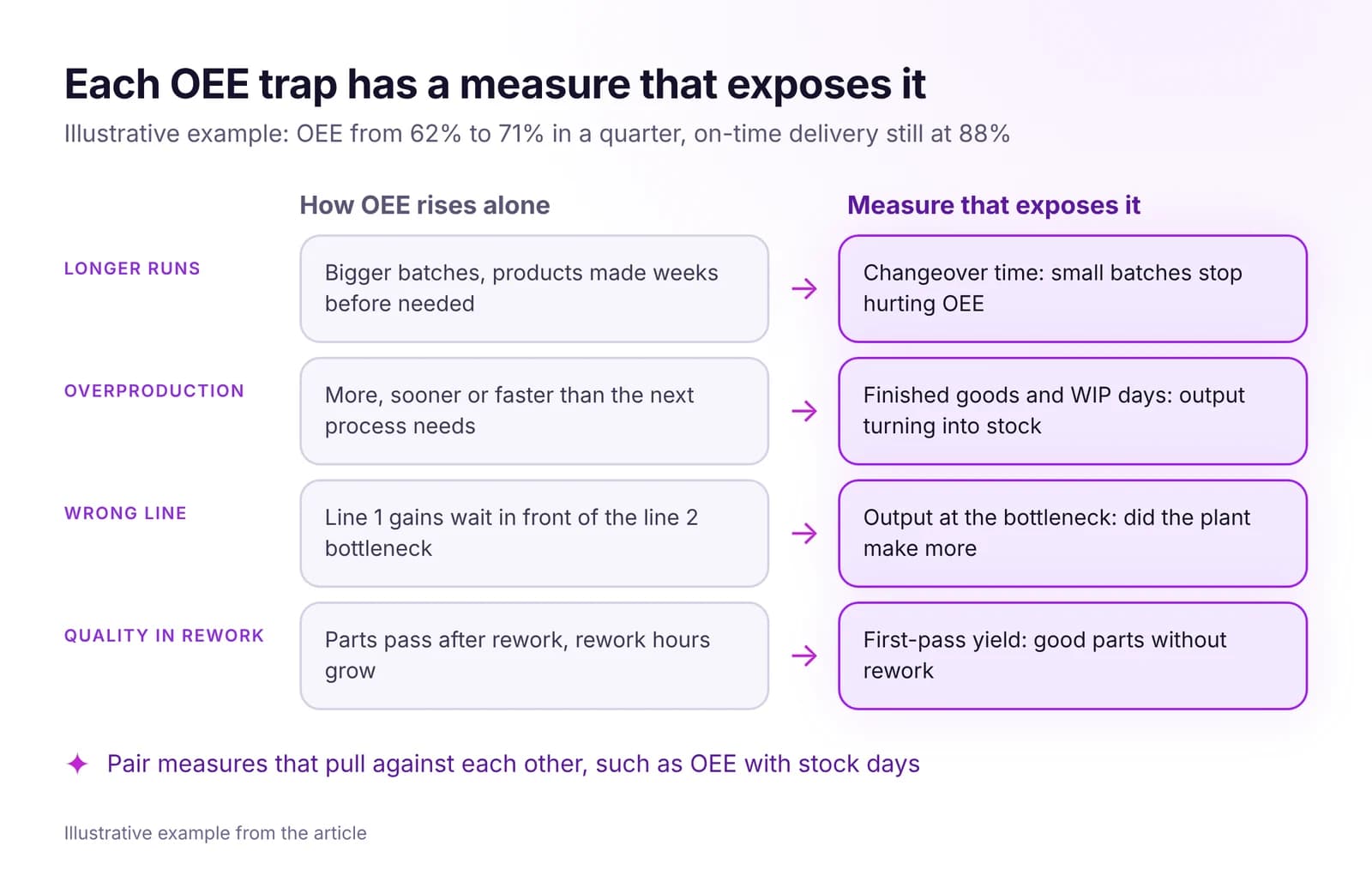 OEE Is Not Enough: What to Measure Instead of OEE AloneOEE can rise while delivery slips and stock grows. Five reasons why, the measures to put next to OEE, and how to build a short plant scorecard that holds up.Read article · 7 min
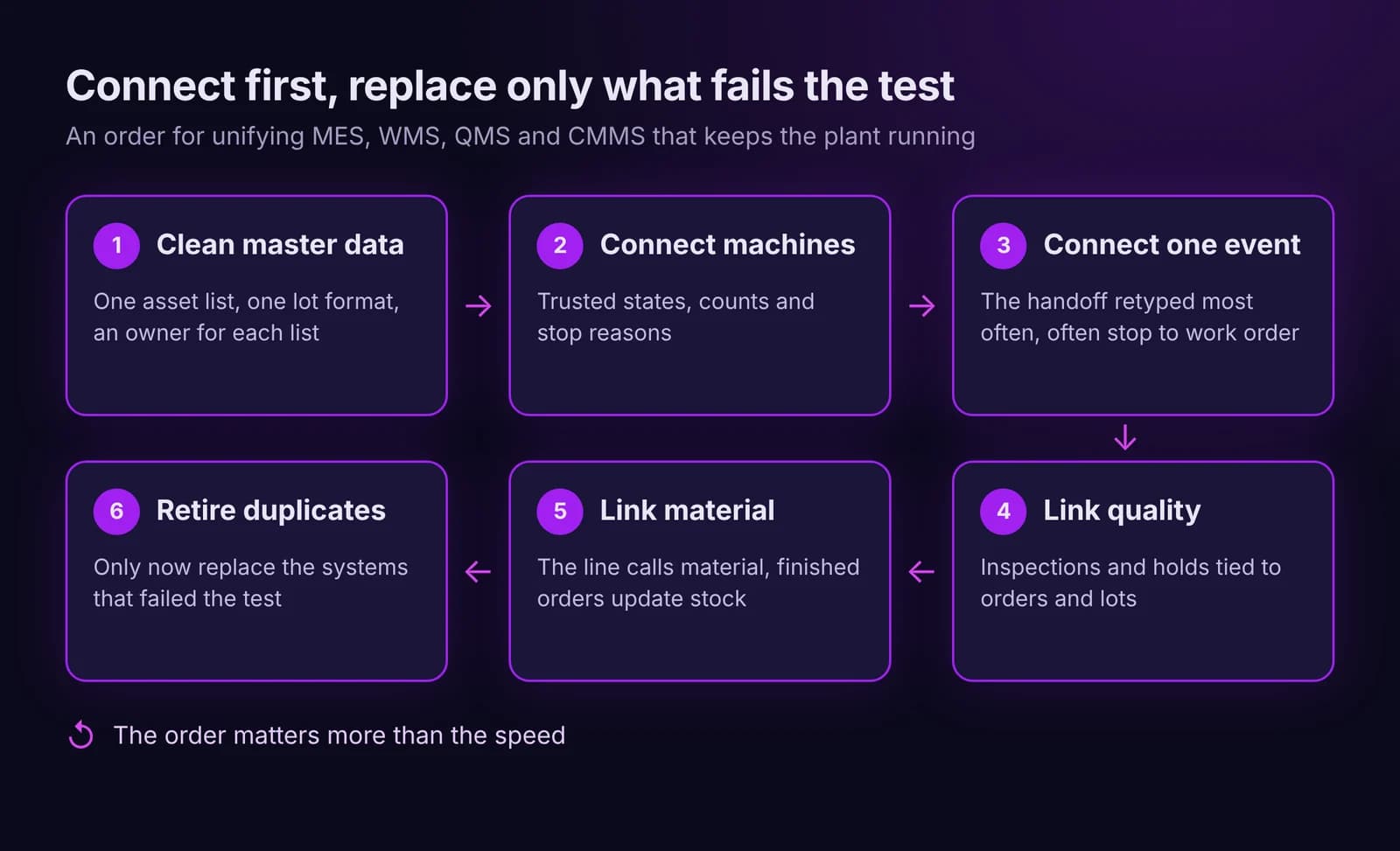
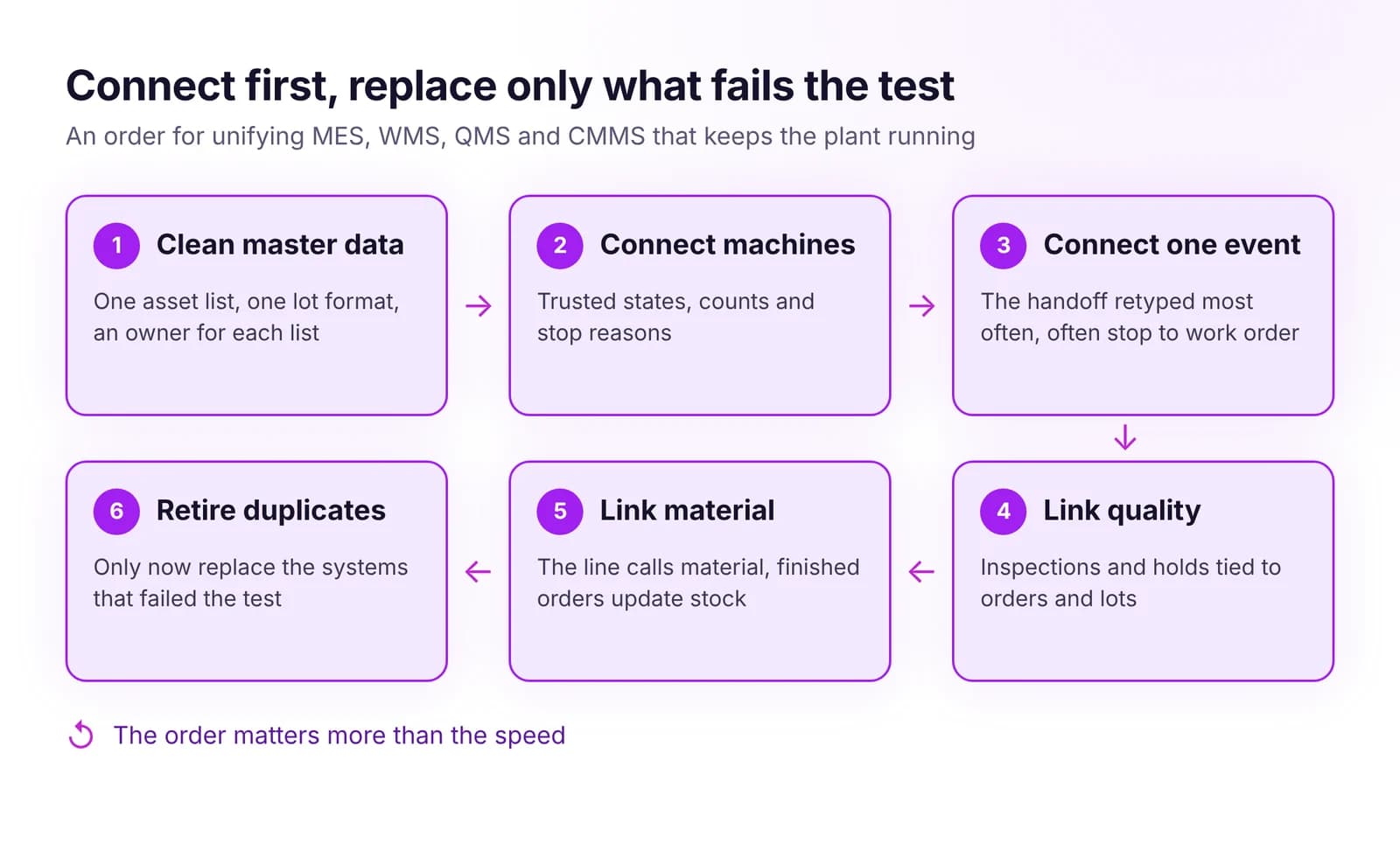 How to Unify MES, WMS, QMS and CMMS Without Replacing EverythingUnify MES, WMS, QMS and CMMS without a big-bang project: shared master data first, then key events, and replace a system only when it blocks the flow.Read article · 7 min
Try MES Production in IRIS
Start a 14-day trial on your plant's data, or open the interactive demo with sample data.