People & Communication
Plan shifts and check who may work
People keeps employee records, shifts, attendance and leave. Before a shift assignment, it checks the medical exams and trainings you mark as blocking.
- ActiveShift IMon · 06:00-14:00
- DraftShift IIMon · 14:00-22:00
- DraftShift IIIMon · 22:00-06:00
- DraftShift ITue · 06:00-14:00
Medical check expired
Cleared for work
Shifts for the week in one view.
What it does
- 01
Shifts and work eligibility
A missing or expired medical check blocks the assignment. HR decides which documents block. An override needs a reason.
- 02
Attendance and leave
Clock-in, clock-out and time per order. IRIS calculates leave entitlement from seniority and the contract's working time.
- 03
Records and development
Contracts, positions, org chart, skills, training programs and reviews. Employees open their own record in My Profile.
Where the data comes from
- HR enters employee records, contracts and documents. Employees see their own data in My Profile.
- Clock-in and clock-out come from the attendance screen or terminal.
- Training events from LMS update the competence matrix.
Good to know
- People does not connect to external HR systems. There is no import or export of HR data.
- Courses, tests and certificates are in LMS. People holds the personnel record and decides what blocks work.
- Accounts and roles are managed in Admin. A People employee record is separate from an app user.
Screens from the IRIS demo
Sample data from the IRIS demo factory. Click a screen to enlarge it.
Read more
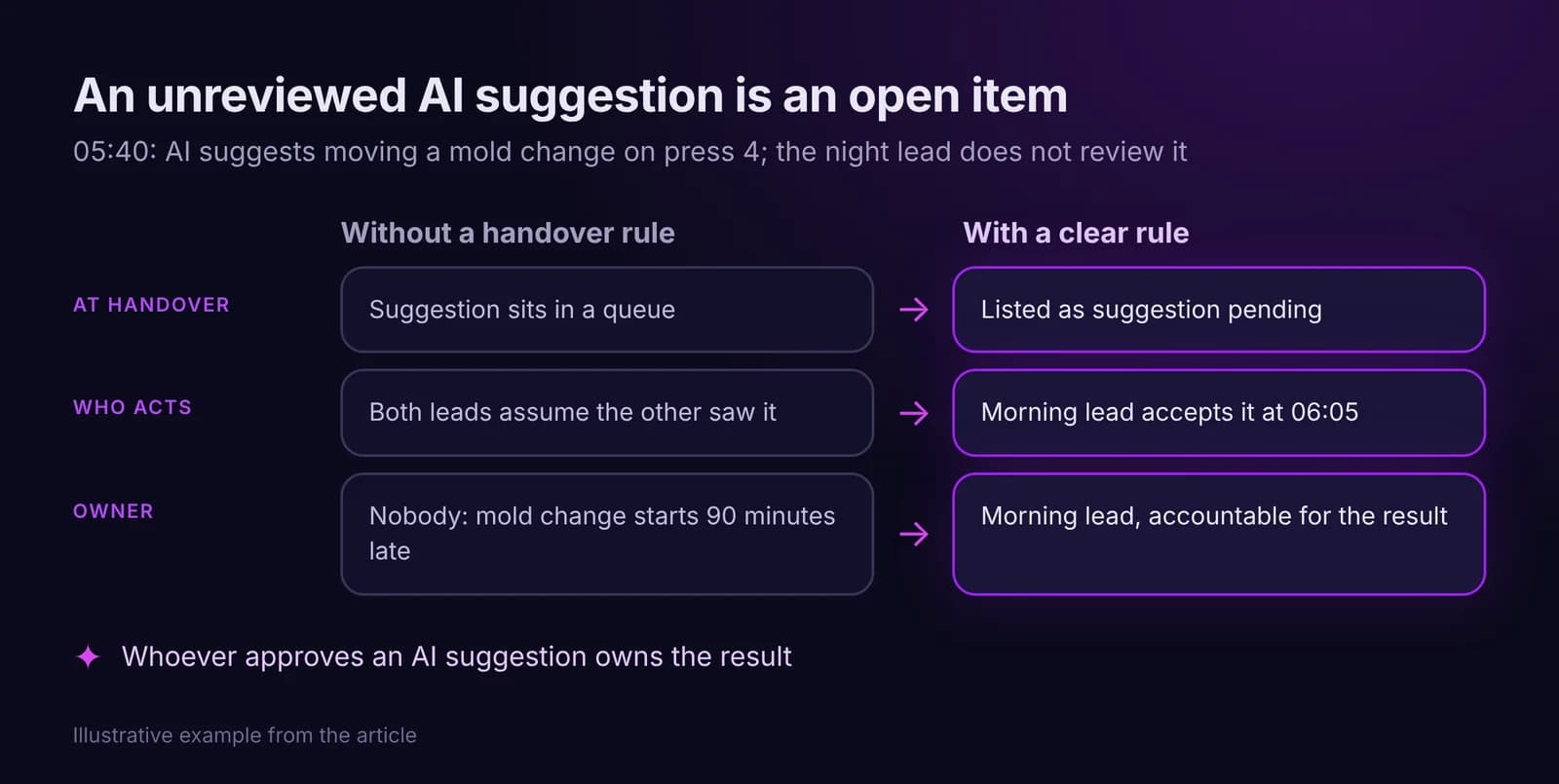
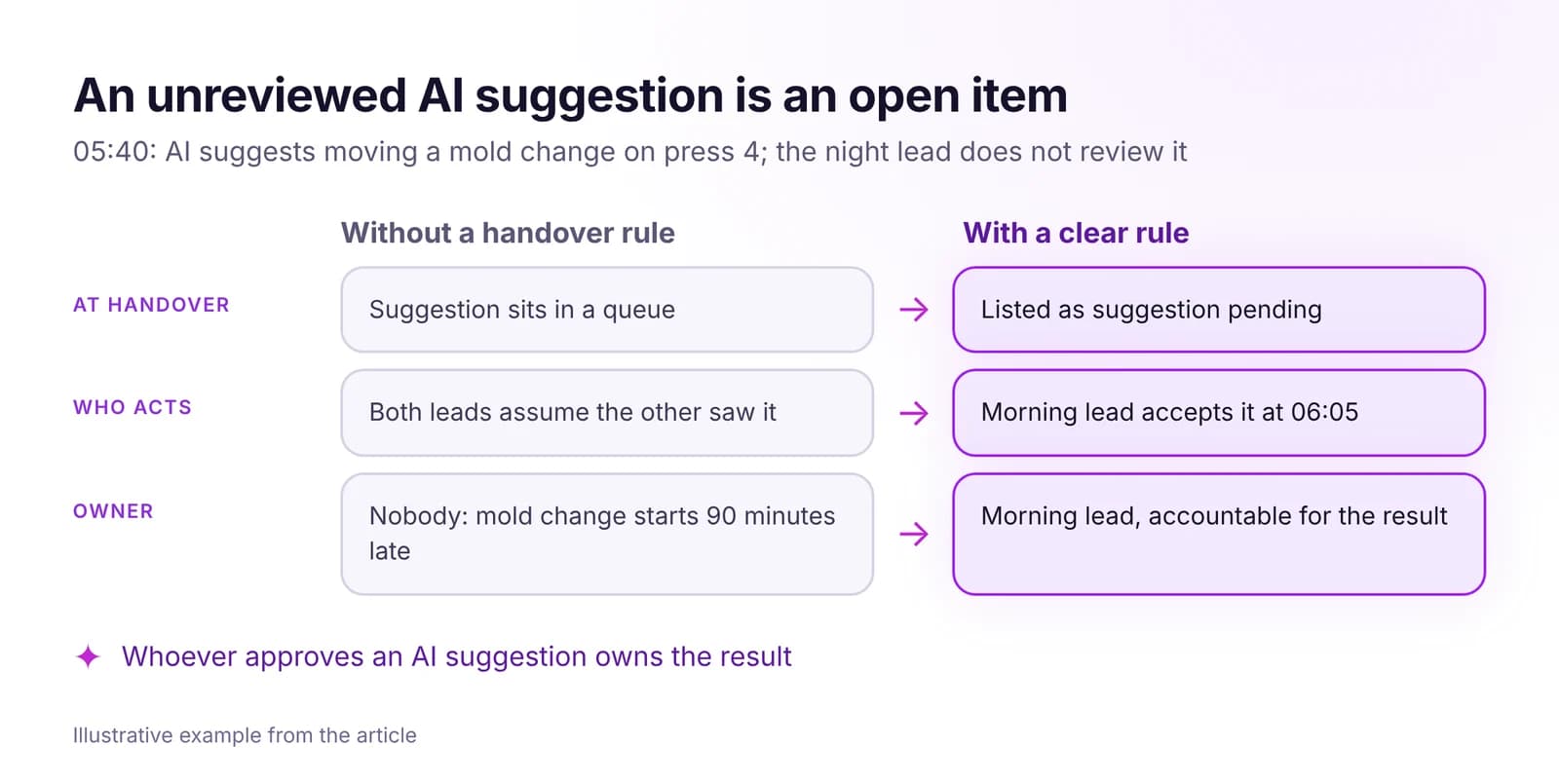 How to Keep Accountability Clear Across Shifts, With AI in the LoopOne owner per task, ownership that moves only on acceptance, and escalation by role and clock time. Handover rules that hold, including for AI suggestions.Read article · 7 min
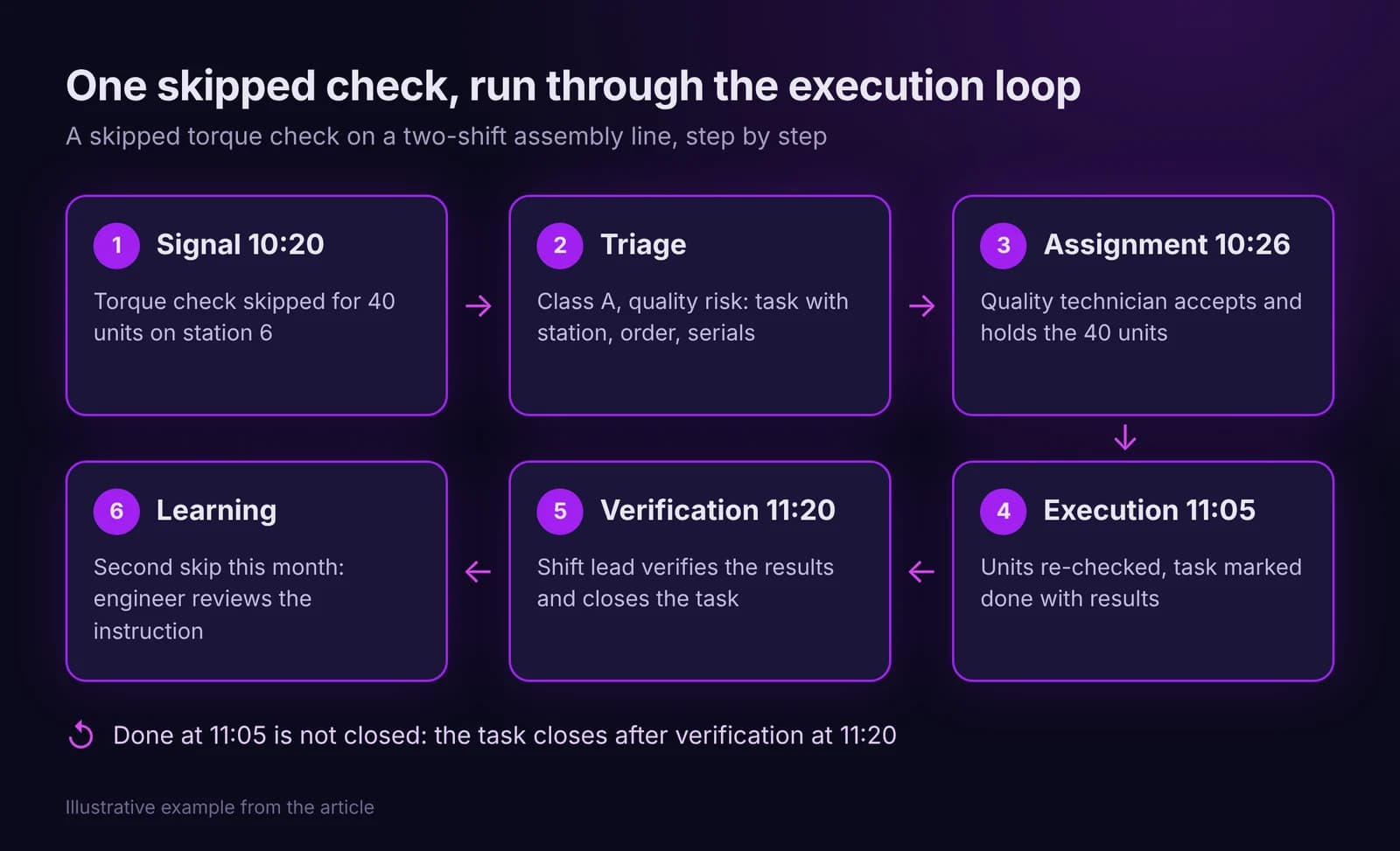
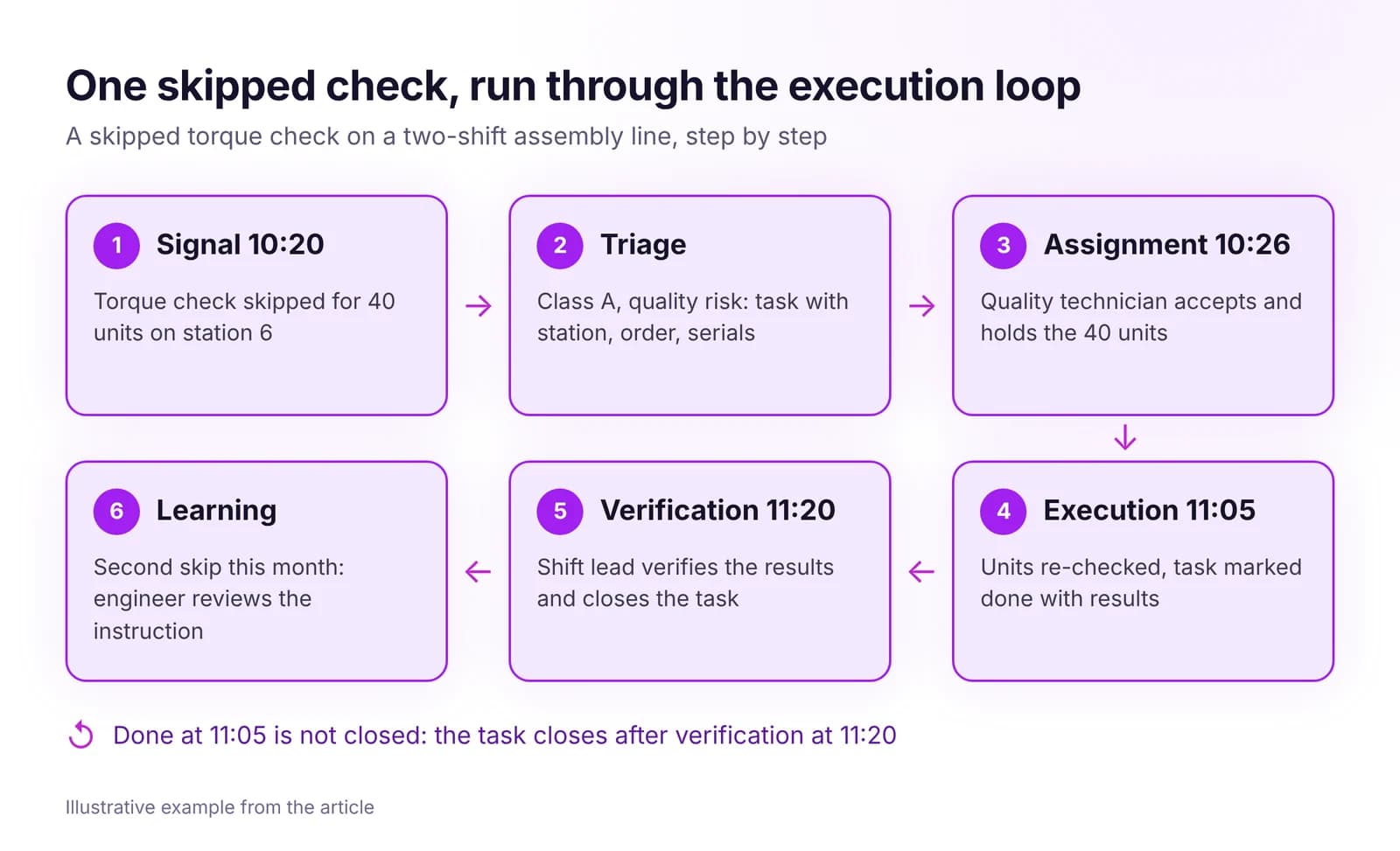 From Signal to Task to Closure: How the Execution Loop WorksHow a shop floor signal becomes a task with one owner, a deadline and a verified result. The seven steps of the execution loop and how to measure it.Read article · 7 min
Try People in IRIS
Start a 14-day trial on your plant's data, or open the interactive demo with sample data.