All modulesExample data
Planning & Materials
Work out what to buy or make
MRP explodes bills of materials level by level and nets them against stock and incoming supply. Shortages become exceptions.
IRISMRP · MRP runNov09:00
Bill of materials
- Chair-A
- Seat
- Frame
- Screw M6
Exceptions
- MediumBracket B-2Shortage · 12 pcs
- HighScrew M6Shortage · 480 pcs
Demand
Chair-A · 500 pcsDue 14 Nov.Frame · netting
Order 150 · fixed lot 50- Gross need
- 500
- Safety stock
- + 50
- Available stock
- − 320
- Incoming supply
- − 100
- Net need
- 130
Generate orders
Purchase order proposalsGrouped by preferred supplier.Generate orders
Production requirement · Frame 150Waits in the planner queue for approval.Demand for 500 chairs enters the run.
What it does
- 01
Multi-level netting
Net need is gross need plus safety stock, minus available stock and incoming supply. Lot rules size the order.
- 02
Shortages as exceptions
Each shortage becomes an exception, weighted by need date and lead time. Planners accept, bypass, defer or close it.
- 03
Orders from the result
One command generates purchase order proposals grouped by preferred supplier, or production requirements for the planner queue.
Where the data comes from
- By hand or API: items, bills of materials, demand, safety stock and costs.
- WMS supplies available stock. Without it the run does not start.
- Procurement supplies open purchase orders. MES confirms production orders and reports their status.
Good to know
- The run states how much to order or make but gives no release date. The planner decides when.
- MRP does not buy. Orders are approved and sent in Procurement, a separate module and licence.
- MRP does not schedule machines. A planner approves each production requirement before MES creates an order.
Screens from the IRIS demo
Sample data from the IRIS demo factory. Click a screen to enlarge it.
Read more
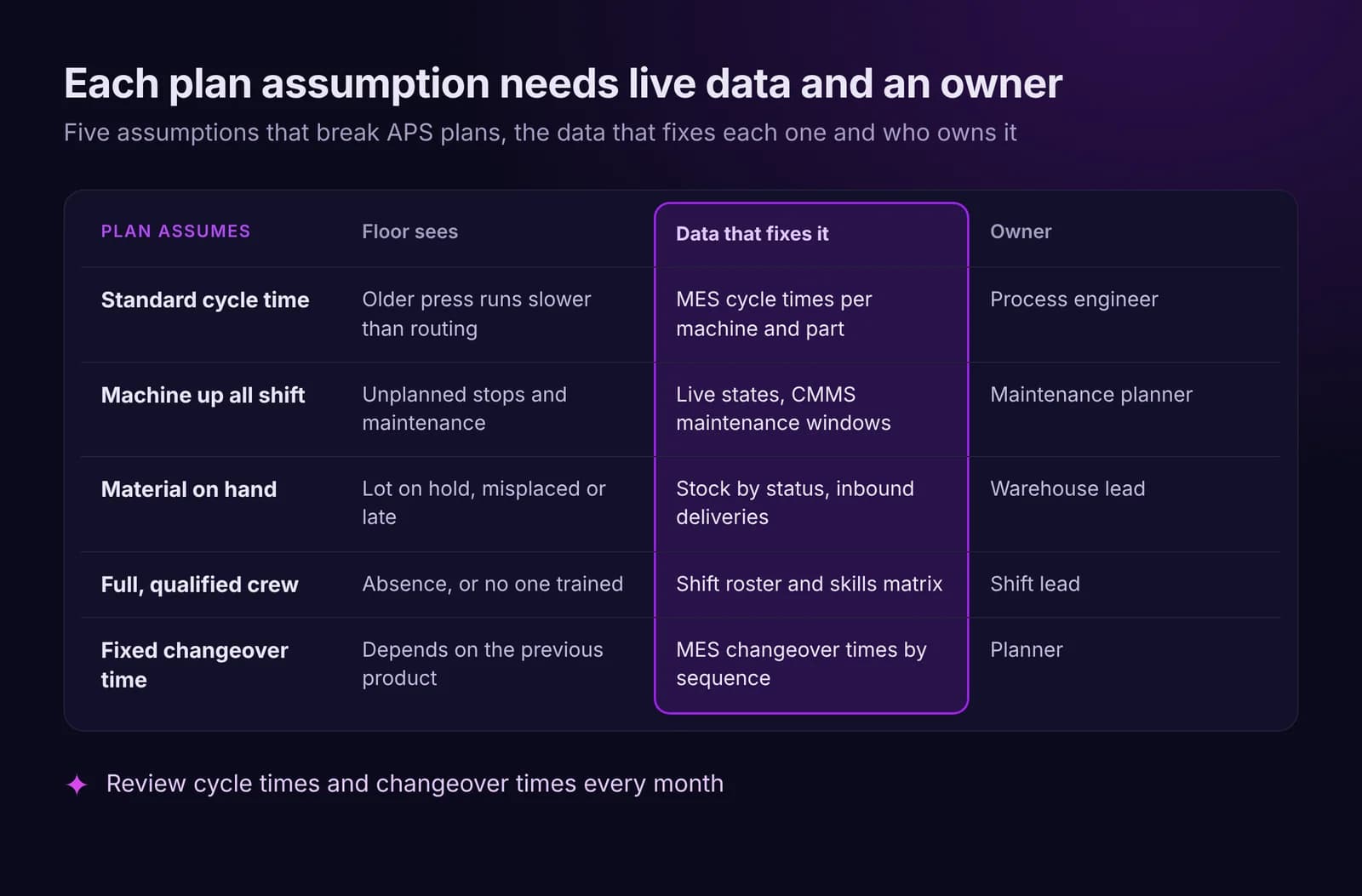
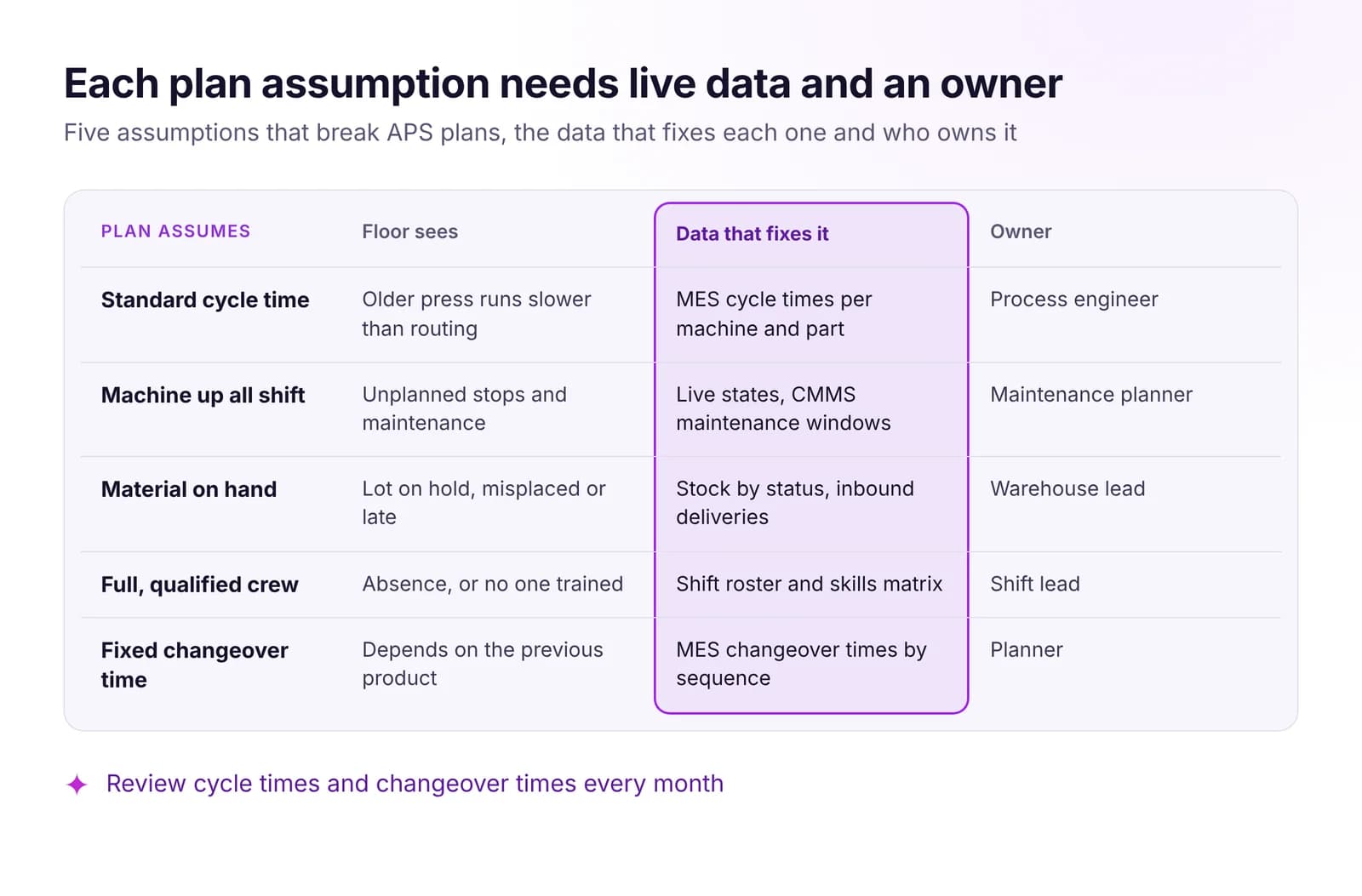 Production Planning vs Reality: Why APS Plans FailMost APS plans fail on old assumptions about cycle times, machines, material and crews. The live data that keeps a plan valid, and when to replan or hold.Read article · 7 min
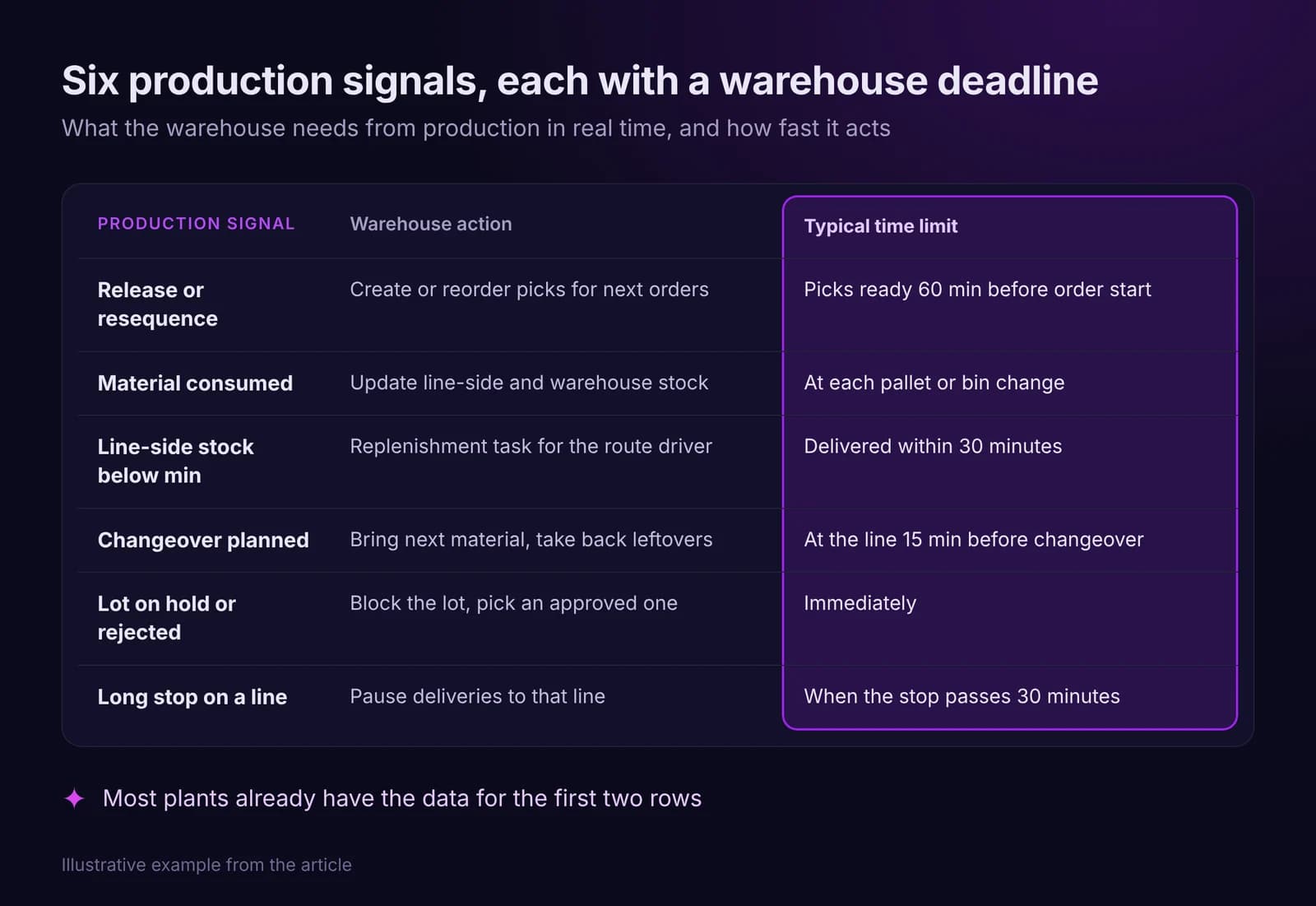
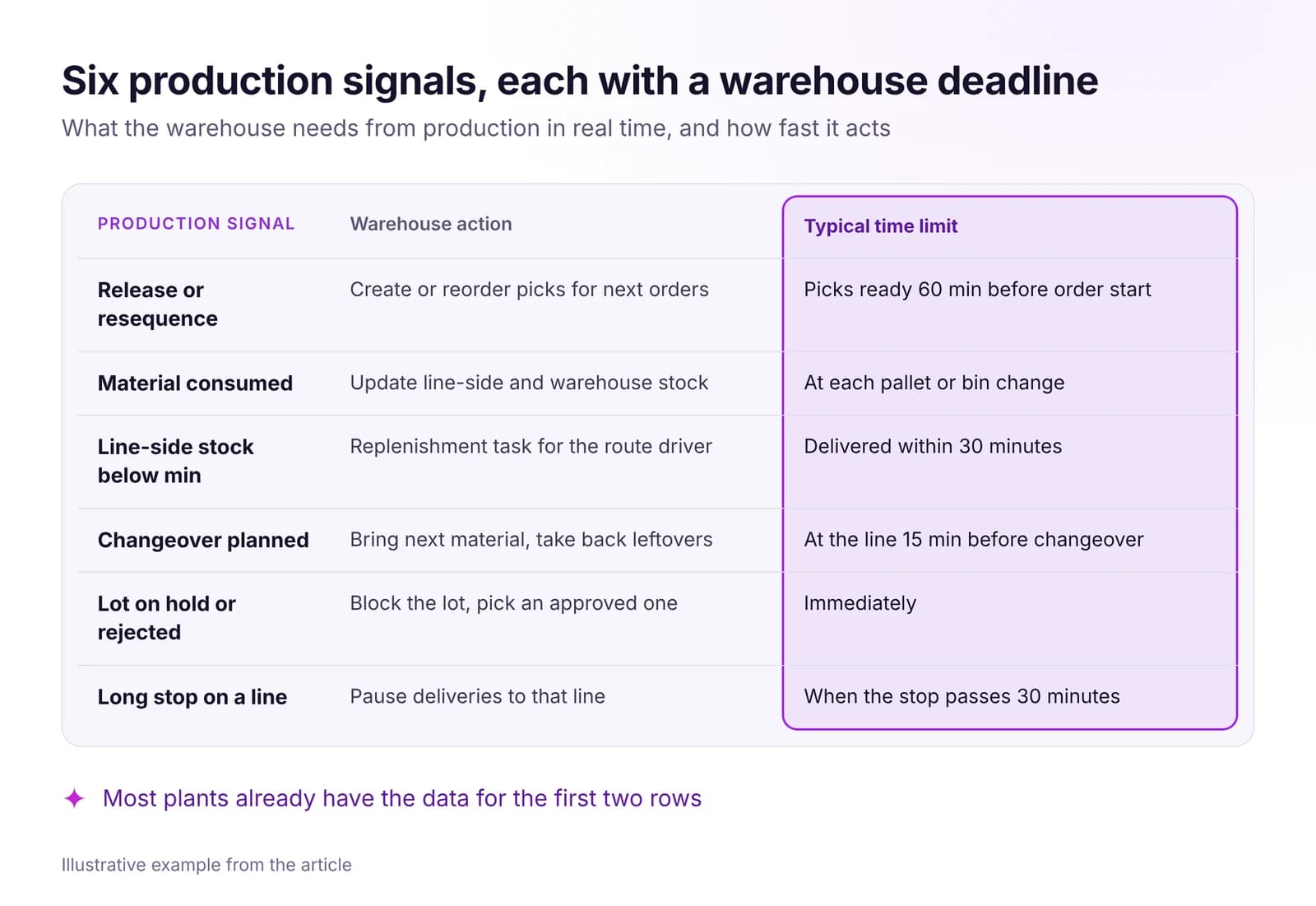 Warehouse and Intralogistics Optimization With Real-Time DataLines wait for material when the warehouse sees production too late. The real-time signals your WMS needs, how to set up pull replenishment, what to measure.Read article · 7 min
Try MRP in IRIS
Start a 14-day trial on your plant's data, or open the interactive demo with sample data.