All modulesExample data
Planning & Materials
Turn material shortages into purchase orders
Procurement is the buyer's workspace: one inbox for shortages and requests, purchase orders to suppliers, and supplier price lists.
IRISProcurement · Requirements08:00
Requirements
- NewScrew M6From MRP run 42
- To approveGlovesManual request
Manual request
Gloves · 20 pairs- Requested by
- K. Weber
- Approved by
- A. Lis
Suppliers for Screw M6
- S-07 · preferred
- 5 days
- S-03
- 9 days
PO-0781 · Supplier S-07
Purchase orderLines come from the inbox.ApprovedSent by email
WMS · Goods receipt
Order lines receivedThe order closes when all lines are complete.
Shortages from MRP and requests from people meet here.
What it does
- 01
One inbox, two sources
Shortages arrive from MRP. People add requests, which need approval before a buyer sees them. Each row shows its source.
- 02
Supplier suggestions
Suggestions come from the supplier price list: unit price, minimum order, lead time and a preferred flag.
- 03
Purchase orders
Purchase orders move from draft to approved to sent. A draft counts as incoming supply in the next MRP run.
Where the data comes from
- MRP events: calculated shortages arrive in the inbox automatically.
- Manual entry: requests, suppliers and price lists. Only the price list feeds supplier suggestions.
- WMS events: a completed receipt updates received quantities and closes a complete order.
Good to know
- Procurement creates no PDF purchase order. The order text and item table go in the email body.
- There is no request for quotation, auction or offer comparison. Suggestions are read from price lists.
- Invoices and payments belong to ERP. Receiving a delivery is done in WMS.
Screens from the IRIS demo
Sample data from the IRIS demo factory. Click a screen to enlarge it.
Read more
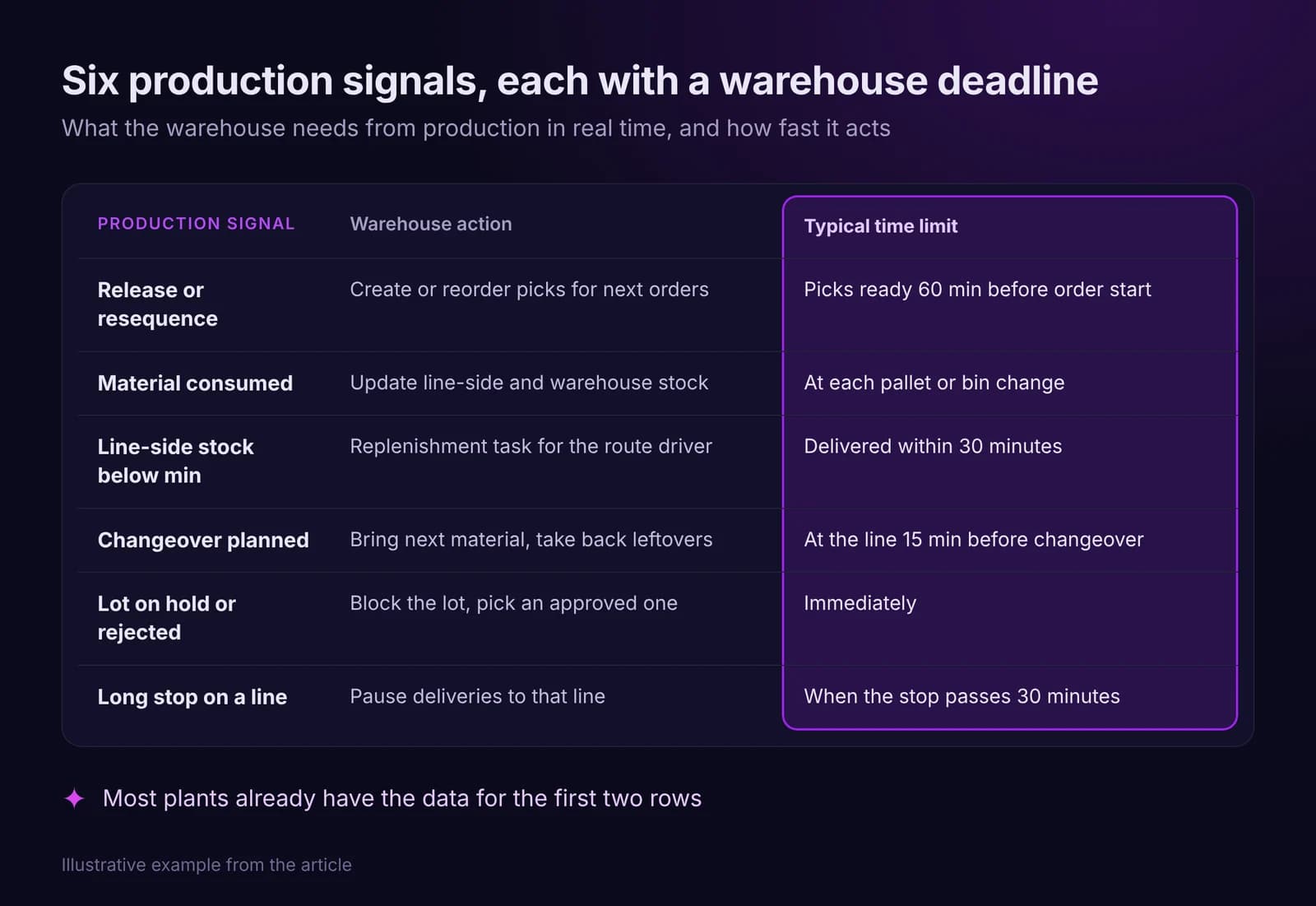
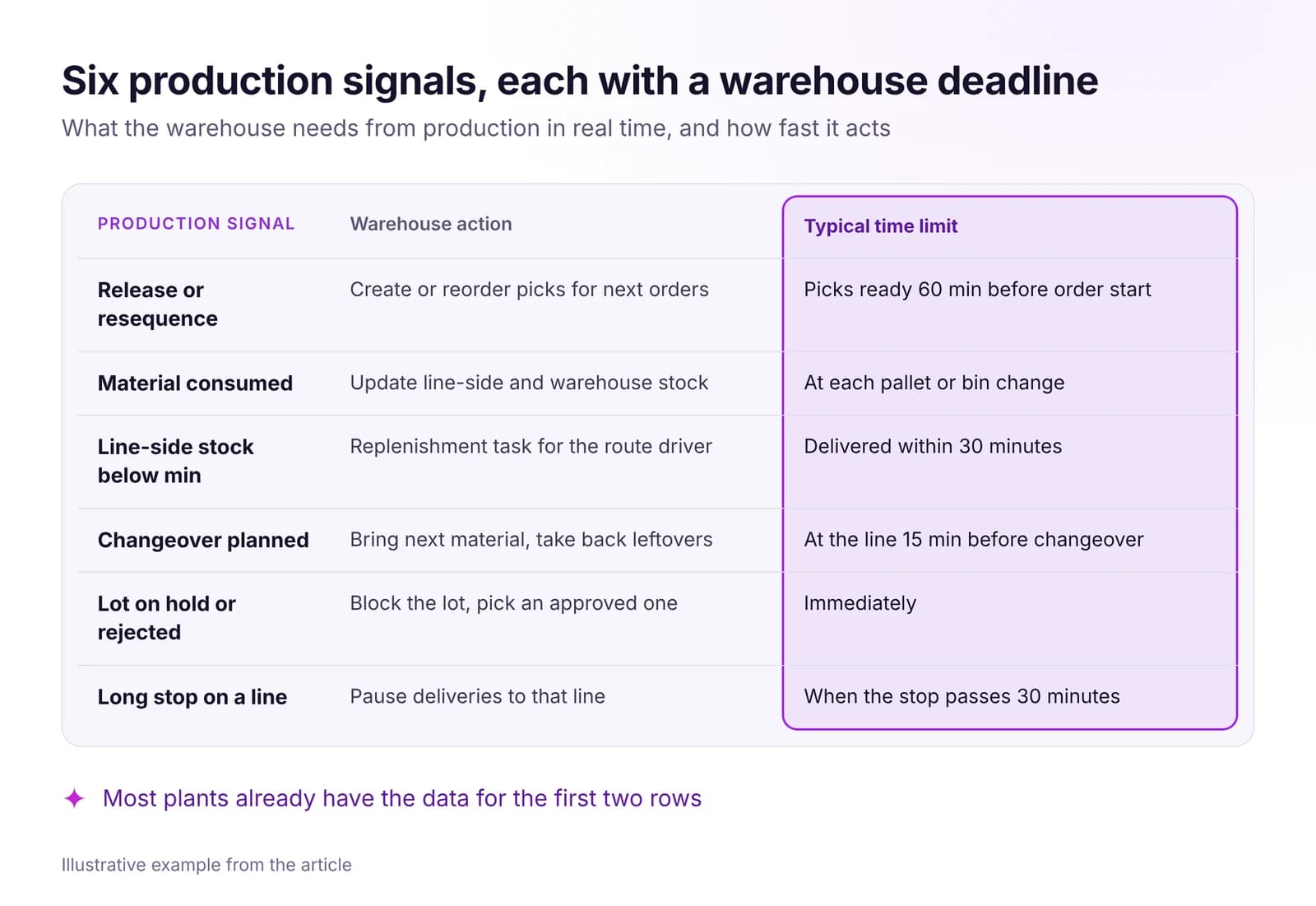 Warehouse and Intralogistics Optimization With Real-Time DataLines wait for material when the warehouse sees production too late. The real-time signals your WMS needs, how to set up pull replenishment, what to measure.Read article · 7 min
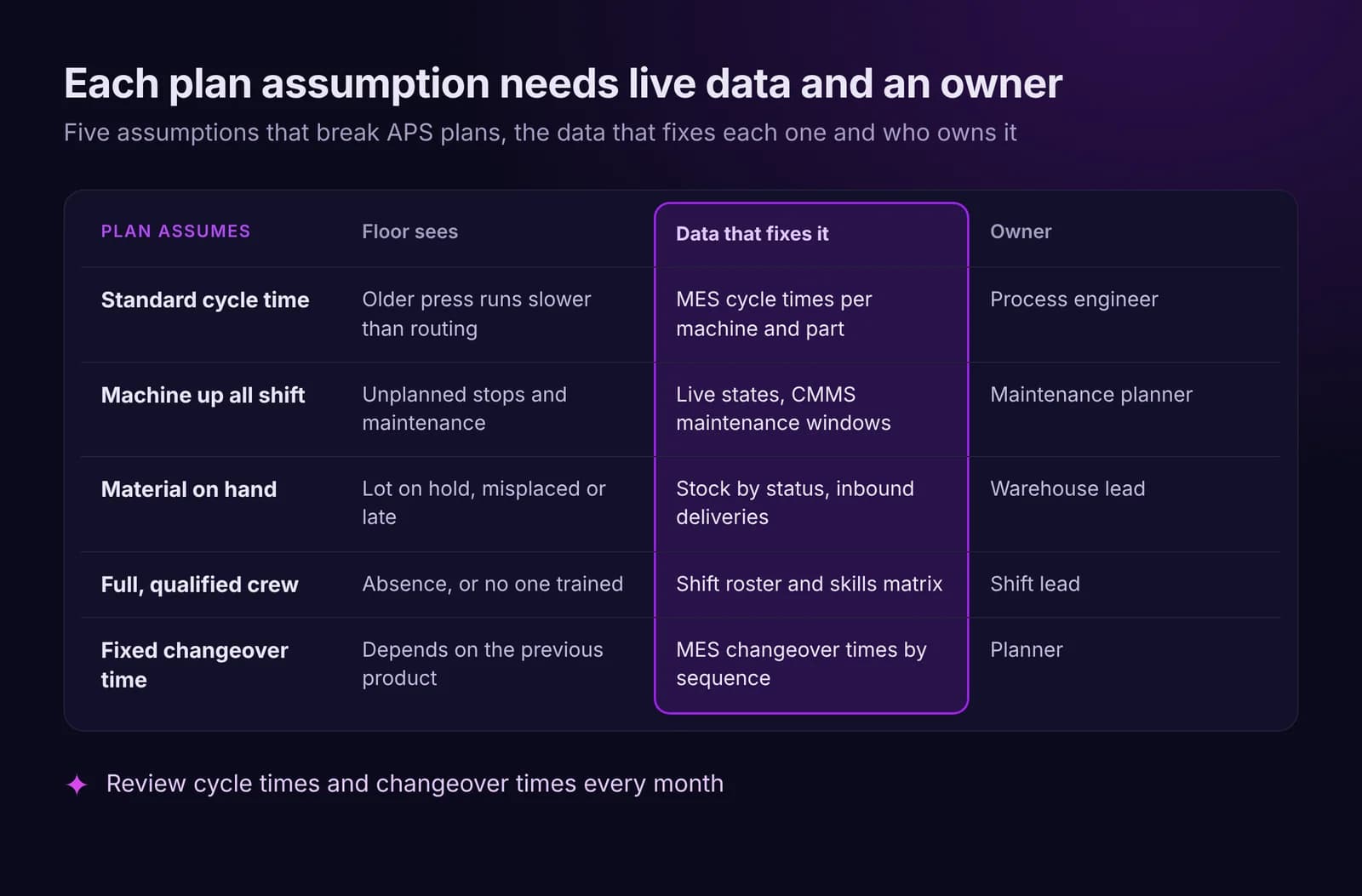
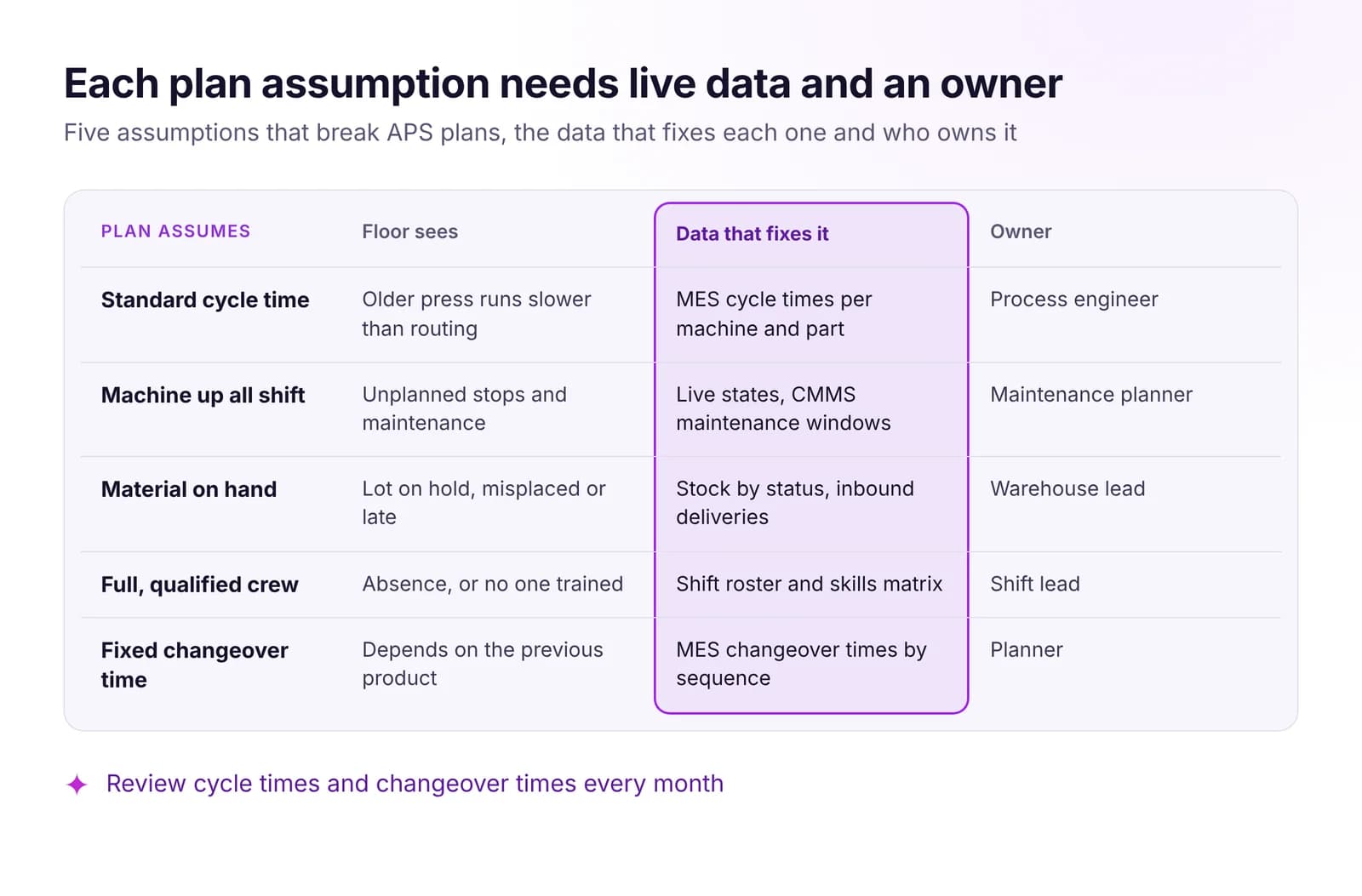 Production Planning vs Reality: Why APS Plans FailMost APS plans fail on old assumptions about cycle times, machines, material and crews. The live data that keeps a plan valid, and when to replan or hold.Read article · 7 min
Try Procurement in IRIS
Start a 14-day trial on your plant's data, or open the interactive demo with sample data.