People & Communication
Channels and announcements inside IRIS
Communicator gives the plant channels, direct messages and broadcasts. A broadcast can require read confirmation and keeps a register of who confirmed.
- 3# line-2Press-02 restarts at 10:30.
- 1# maintenanceShift handover notes
- # qualityGauge calibration due
- K. WeberDirect message
Press-02 restarts at 10:30.
@K. Weber the parts are ready.
The register lists each name.
Channels and direct messages for the plant.
What it does
- 01
Channels and direct messages
Threads, mentions, reactions, pins and file attachments. You see who is online and who is typing.
- 02
Broadcasts with read confirmation
Set a title, category, priority and expiry date. Choose the roles that receive it and whether confirmation is required.
- 03
Search and unread counters
Search messages in your channels. Unread counters show what is new, and a message stream catches you up.
Where the data comes from
- Messages, channels, threads, reactions, attachments and broadcasts are written in Communicator.
- Your identity and roles come from the verified IRIS login.
- Sent messages and broadcasts go onto the platform event bus, so other modules can react.
Good to know
- Communicator sends no SMS, phone push or email, and has no link to Slack or Teams.
- A message does not create a task. Add the task in Tasks, where the work is tracked.
- There are no escalations or SLA clocks here. Task escalation is in Tasks.
Screens from the IRIS demo
Sample data from the IRIS demo factory. Click a screen to enlarge it.
Read more
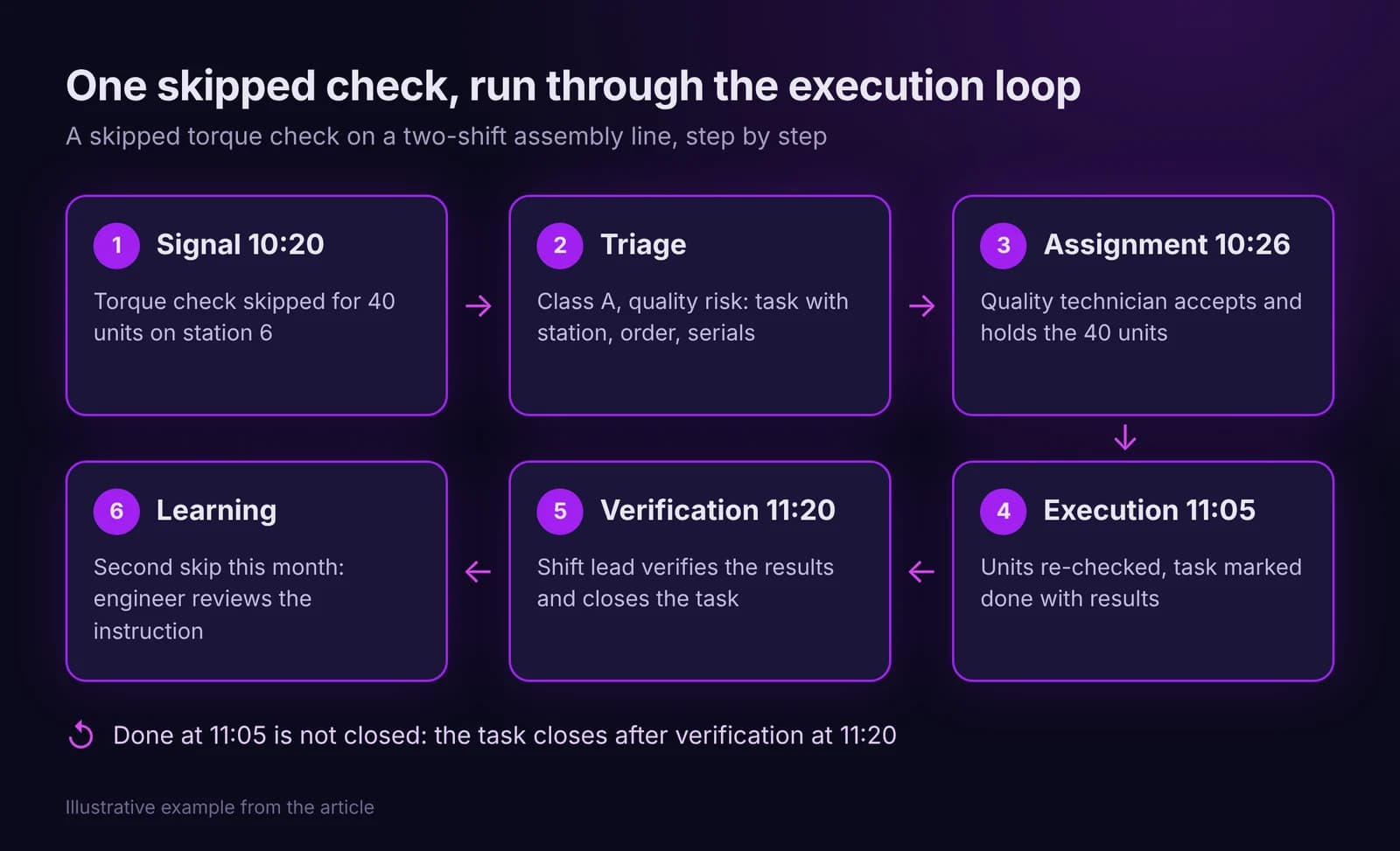
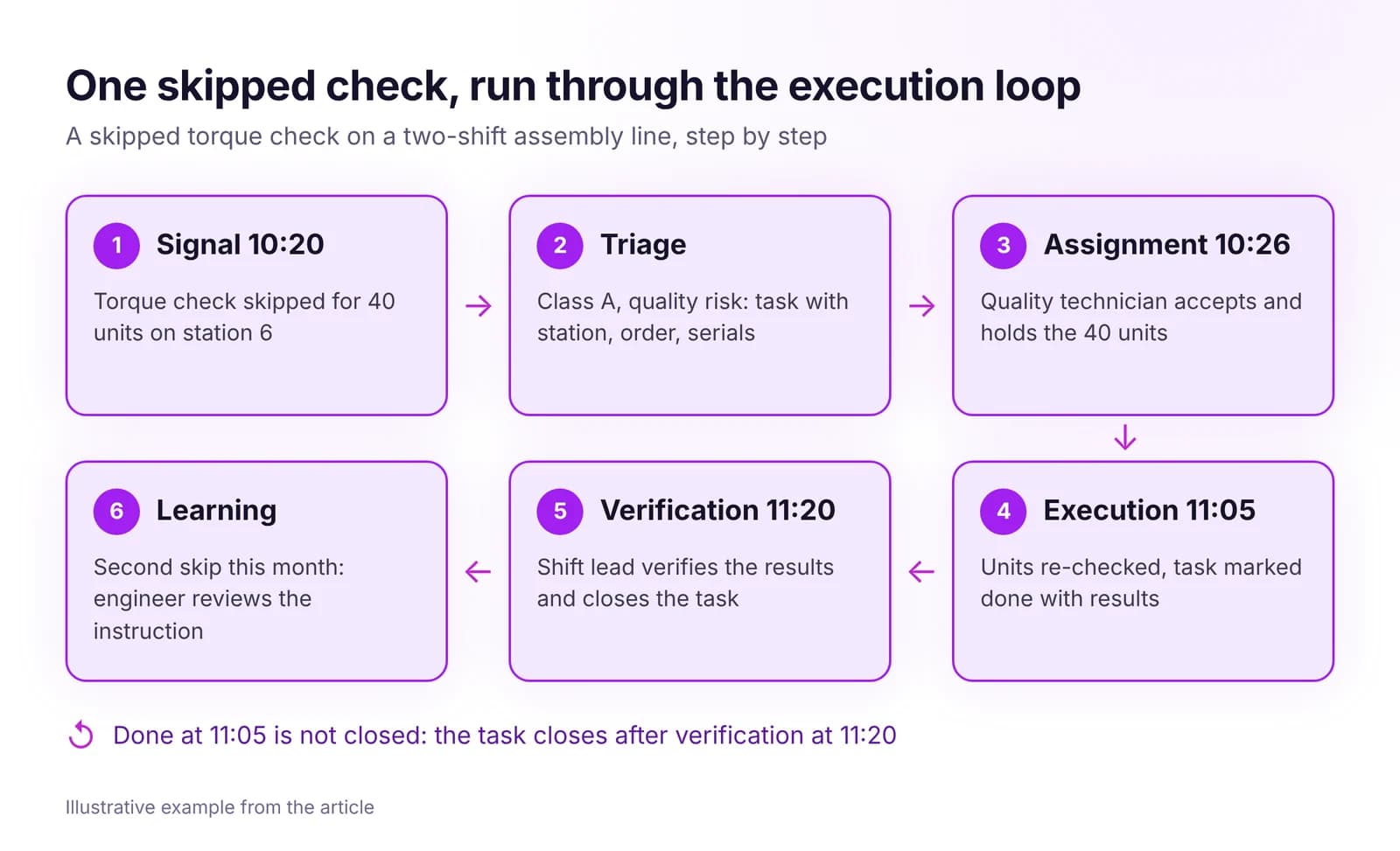 From Signal to Task to Closure: How the Execution Loop WorksHow a shop floor signal becomes a task with one owner, a deadline and a verified result. The seven steps of the execution loop and how to measure it.Read article · 7 min
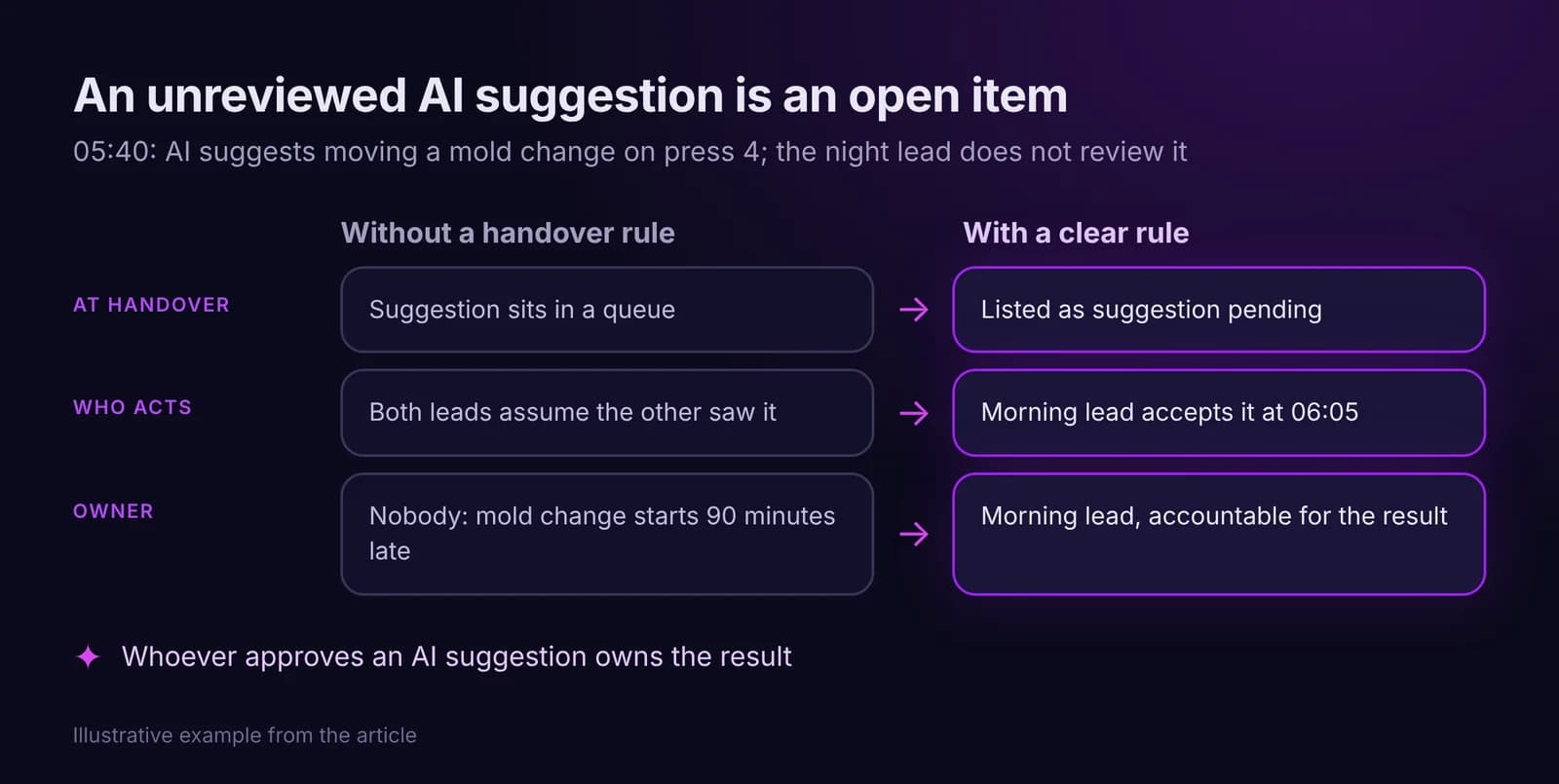
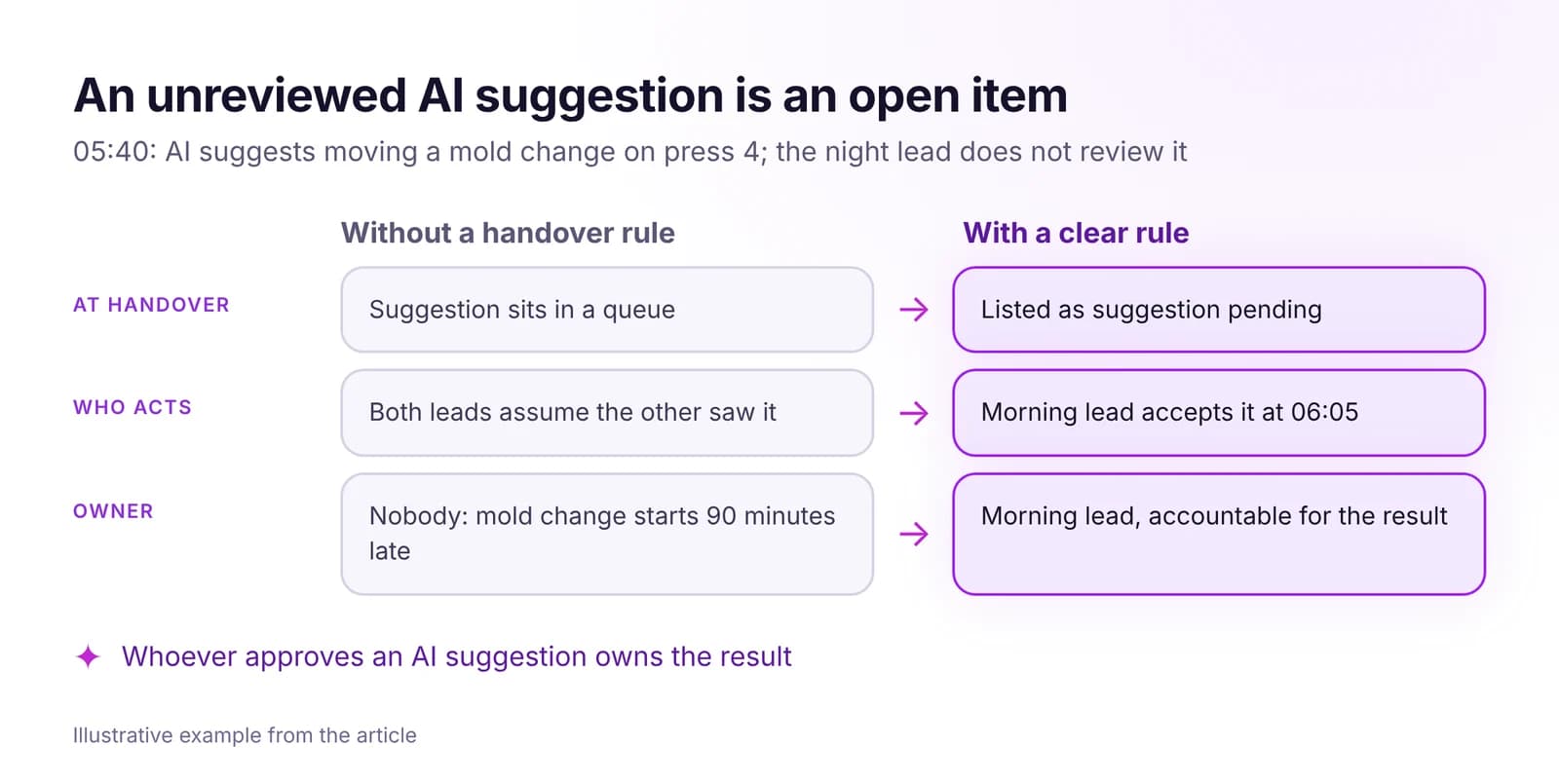 How to Keep Accountability Clear Across Shifts, With AI in the LoopOne owner per task, ownership that moves only on acceptance, and escalation by role and clock time. Handover rules that hold, including for AI suggestions.Read article · 7 min
Try Communicator in IRIS
Start a 14-day trial on your plant's data, or open the interactive demo with sample data.