All modulesExample data
Production & Quality
Define and change what the shop floor runs
Engineering holds change notices, process definitions, work instructions and station setup. MES Production and MES Service carry out what is defined here.
IRISEngineering · ECN & Pegging08:10
- 1Draft
- 2Review
- 3Approved
- 4Released
Change notices
- DraftECN-0112Bracket material change
- ReleasedECN-0109Cover radius
- ReleasedECN-0104Fastener type
ECN-0112
Bracket material changeDraft
Approvals
- Process engineer
- Approved by A. Lis
- Quality
- Pending
Effective from 03 Nov
BOM revision C
Orders after this date use revision CWork instruction · Assembly-01
Version 4Major stepKey pointWhy
An engineering change starts as a draft.
What it does
- 01
Change notices with approvals
ECNs move from draft to released. Approvals come from the signed-in user, with an effective date.
- 02
Process definitions
Routings and recipes list steps, stations, times, quality checkpoints and parameters. Publishing may need an e-signature.
- 03
Instructions and station setup
Work instructions use the TWI layout or an uploaded PDF, with versions. The configurator sets lines, stations and sensor roles.
Where the data comes from
- Manual entry and uploaded files. Engineering is where this data is created.
- MES data for instructions and processes, and MRP data for ECNs.
- The author of every ECN change is the signed-in user.
Good to know
- Engineering does not store CAD models or drawings. BOMs are kept in MRP.
- Changeovers are closed in MES. Engineering shows the register and adds new entries.
- Instruction steps are read in Engineering. The operator panel lists them but does not open them.
Screens from the IRIS demo
Sample data from the IRIS demo factory. Click a screen to enlarge it.
Read more
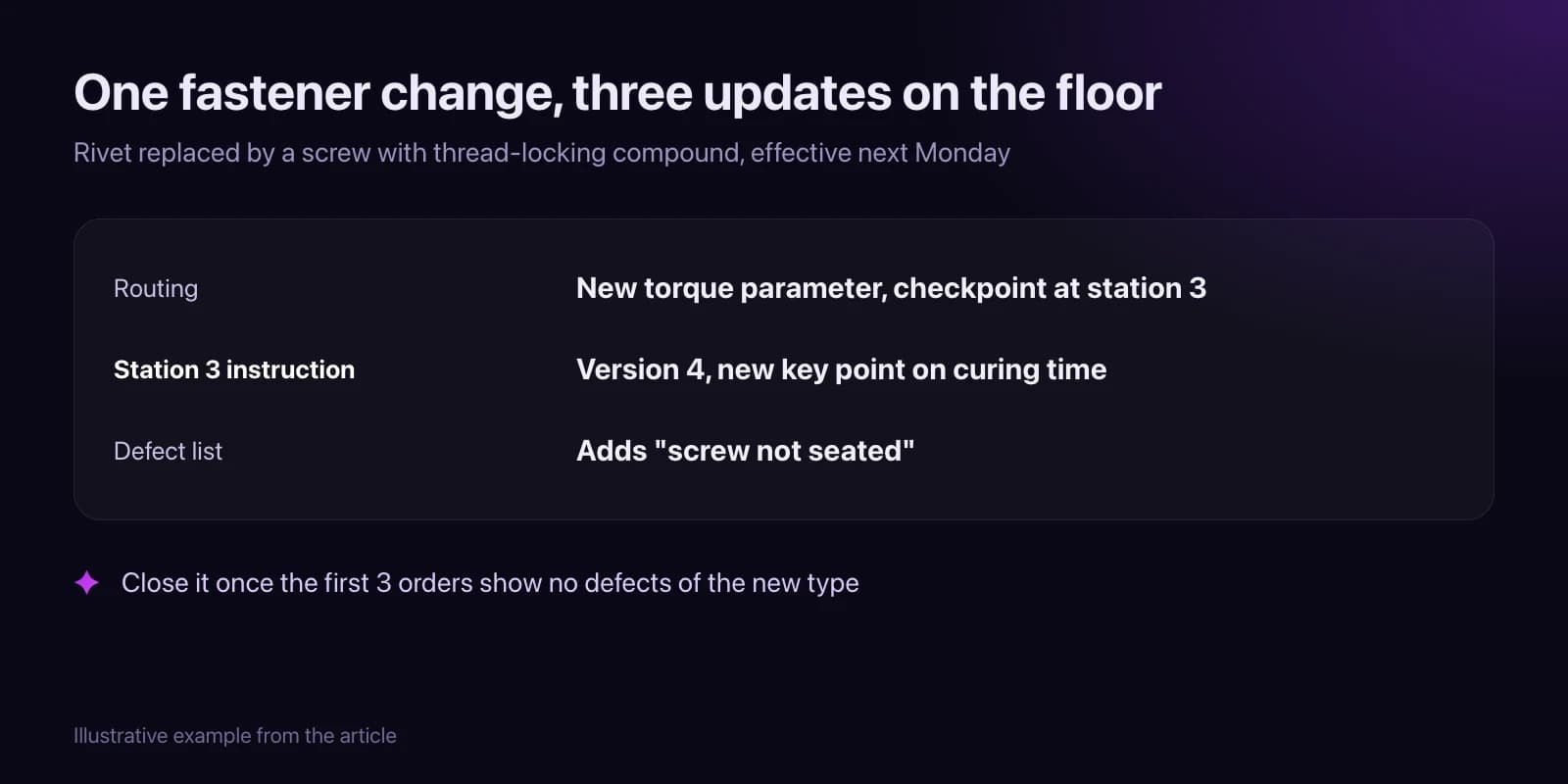
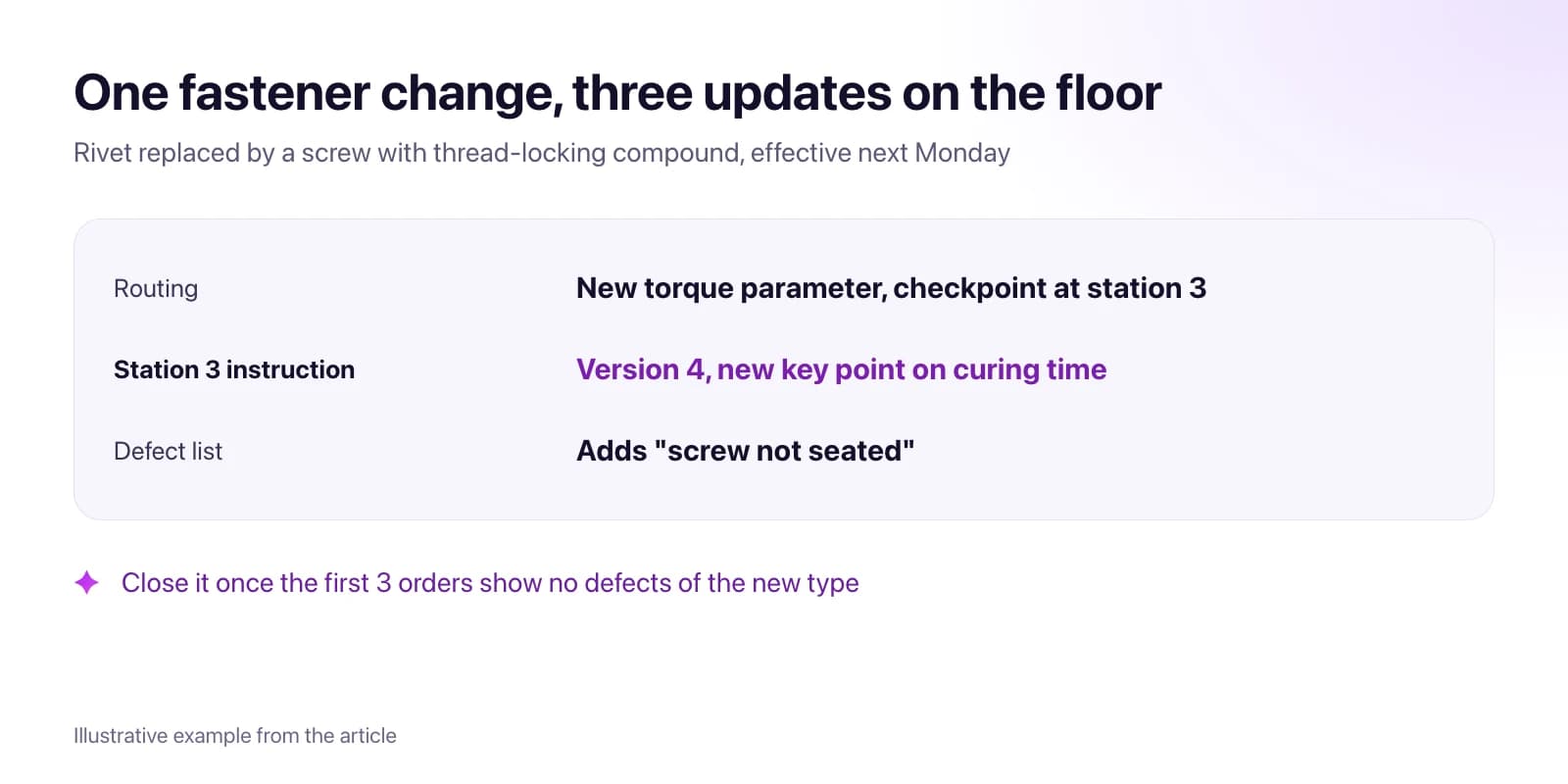 How to Get an Engineering Change From Approval to the Shop FloorOne change record with approvers and an effective date, a checklist of routings, instructions and station setup to update, and a check that it reached the line.Read article · 8 min
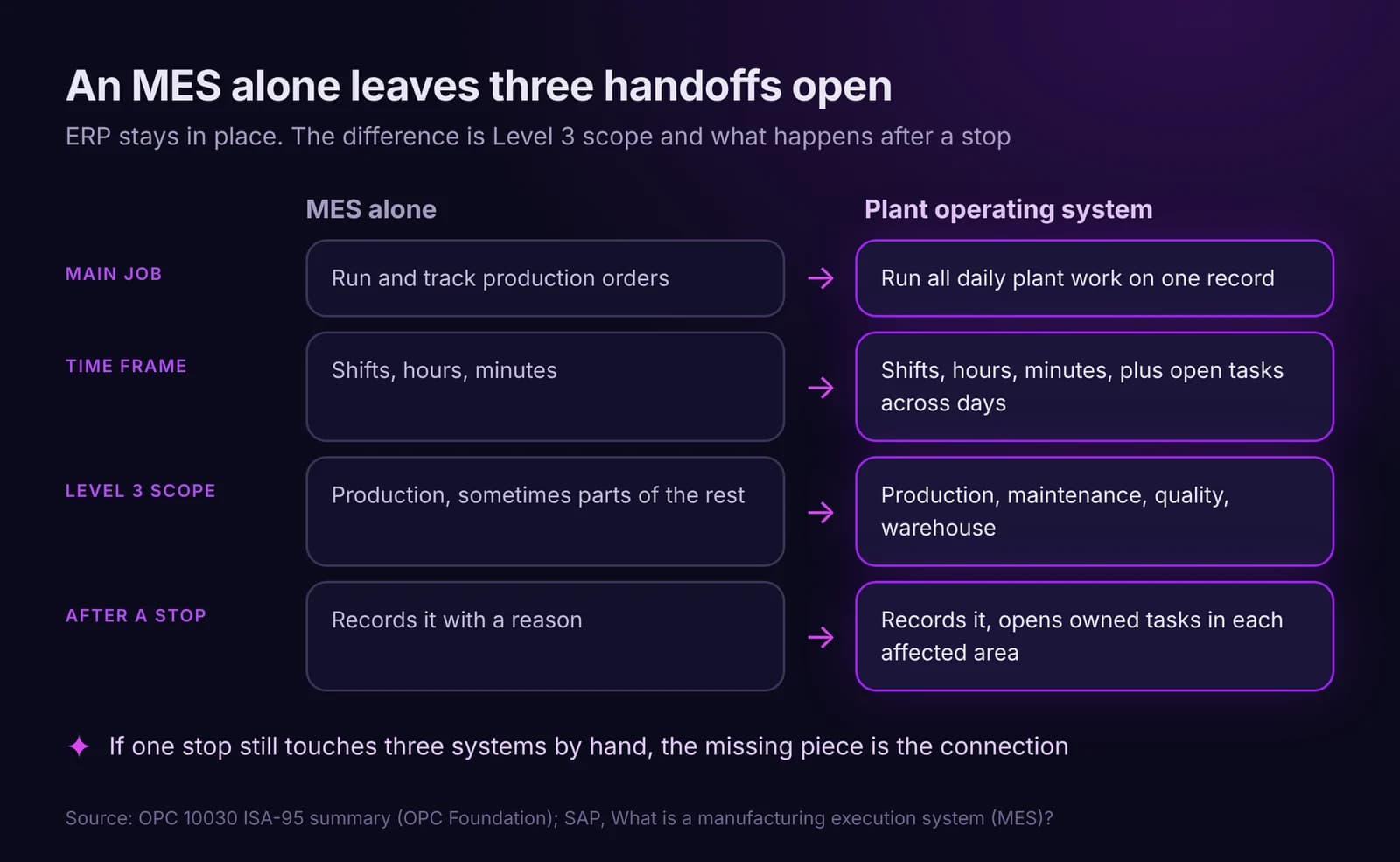
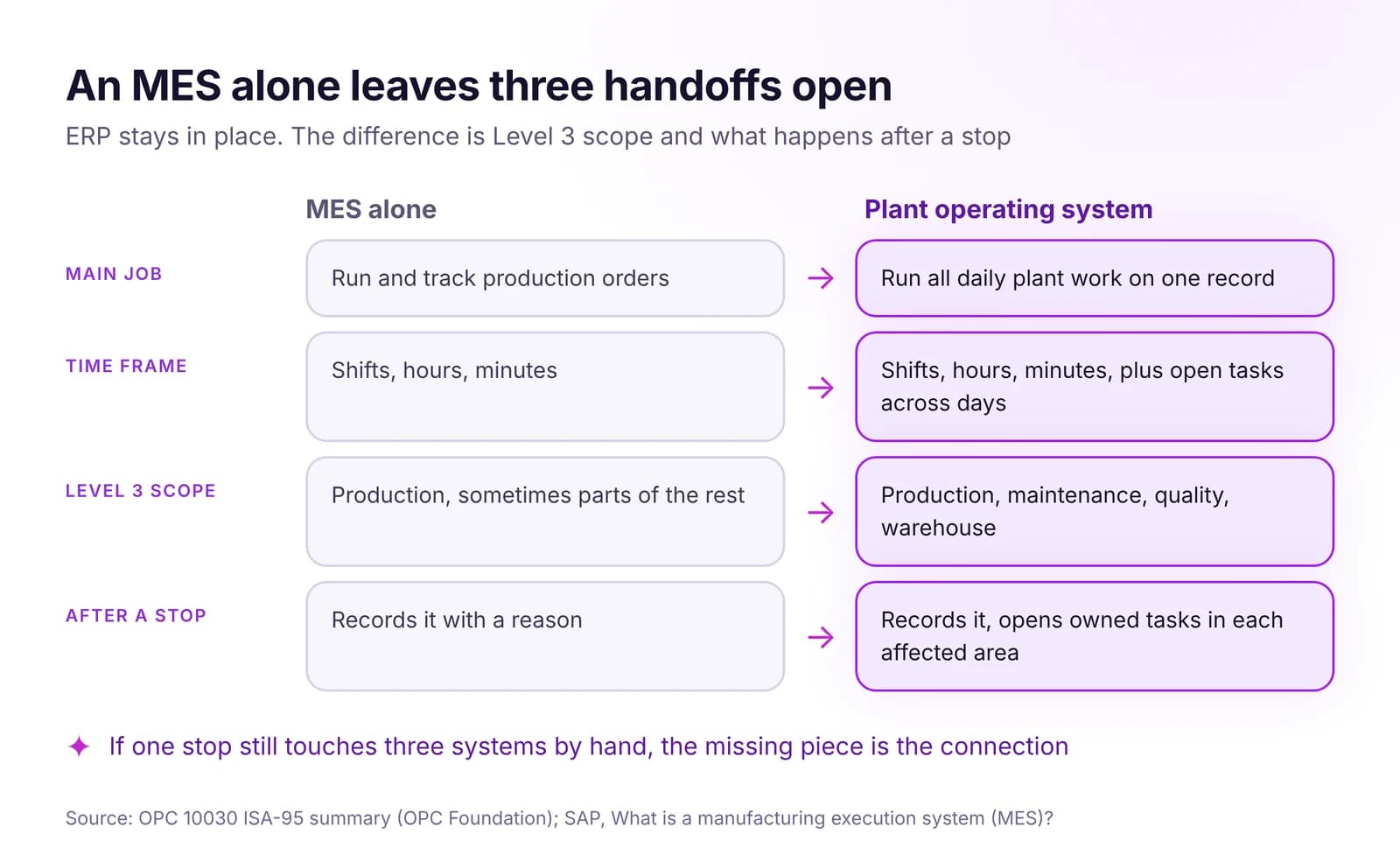 Plant Operating System vs MES vs ERP: Who Does What in a PlantERP plans the business, MES runs production orders, a plant operating system runs all plant work on one record. Who does what, and where MES stops.Read article · 7 min
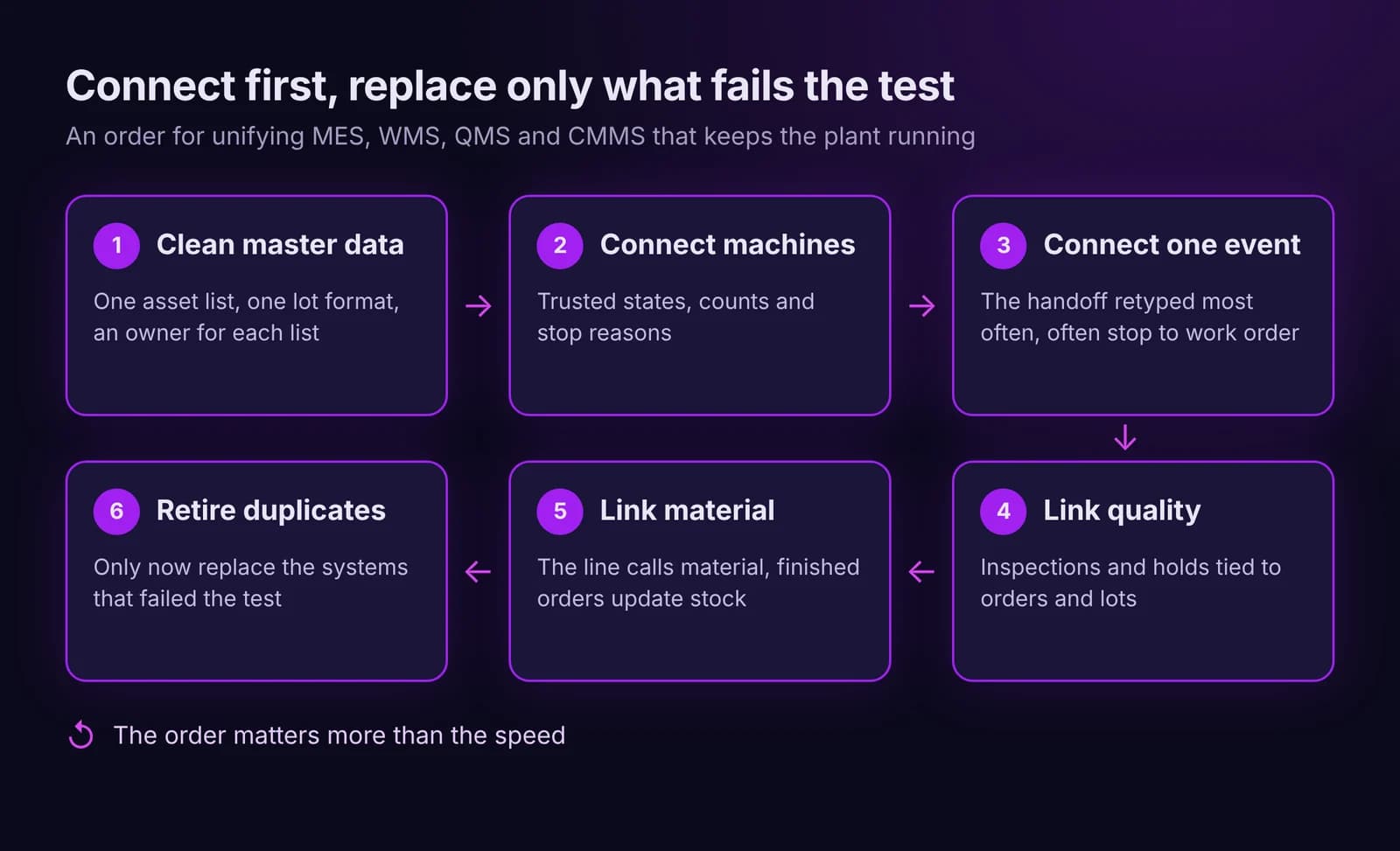
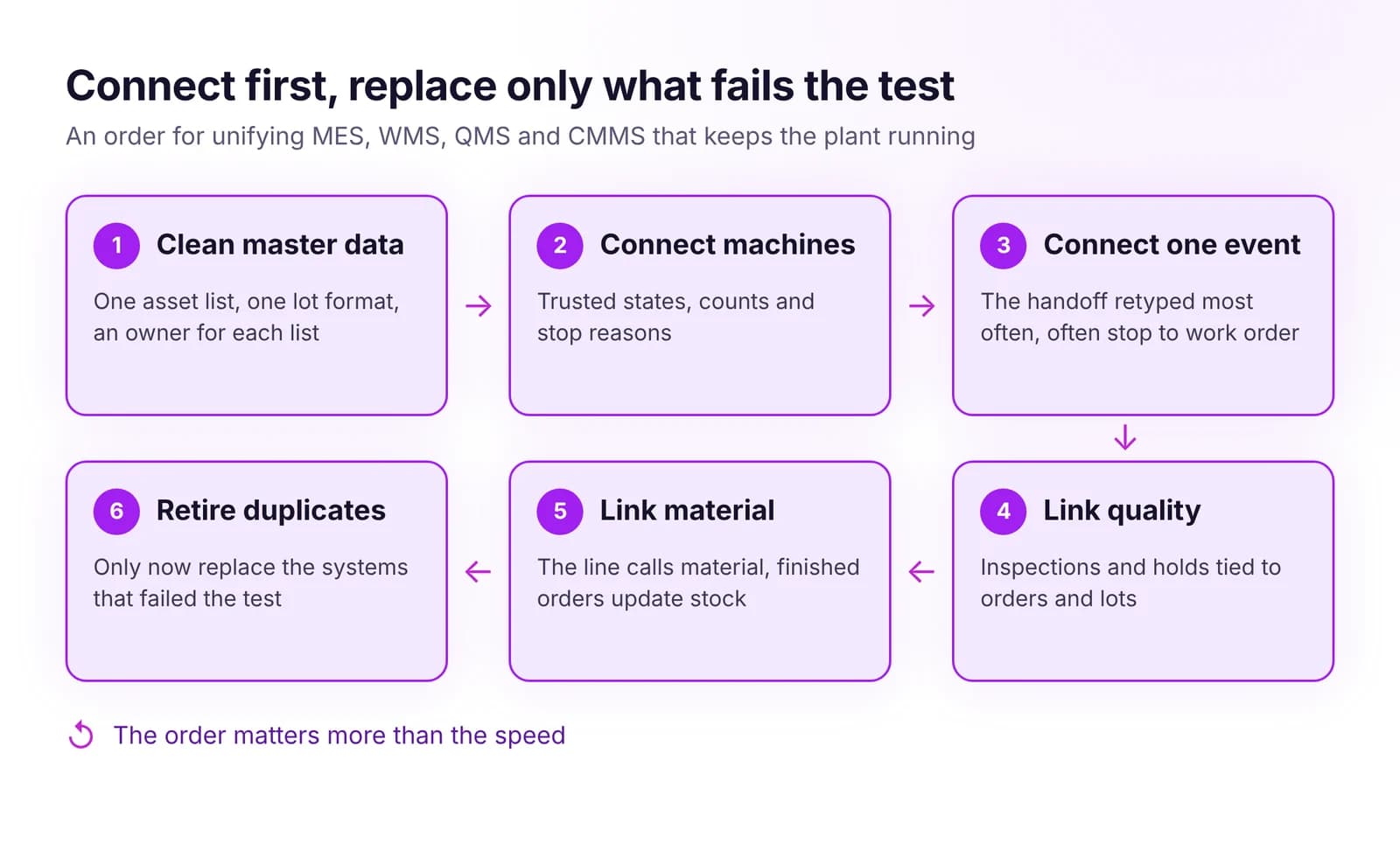 How to Unify MES, WMS, QMS and CMMS Without Replacing EverythingUnify MES, WMS, QMS and CMMS without a big-bang project: shared master data first, then key events, and replace a system only when it blocks the flow.Read article · 7 min
Try Engineering in IRIS
Start a 14-day trial on your plant's data, or open the interactive demo with sample data.