Planung und Material
Ermitteln, was gekauft oder gefertigt wird
MRP löst Stücklisten Stufe für Stufe auf und verrechnet den Bedarf mit Bestand und offenen Zugängen. Fehlmengen werden zu Ausnahmen.
- Chair-A
- Seat
- Frame
- Screw M6
- MittelBracket B-2Fehlmenge · 12 Stk.
- HochScrew M6Fehlmenge · 480 Stk.
- Bruttobedarf
- 500
- Sicherheitsbestand
- + 50
- Verfügbarer Bestand
- − 320
- Offene Zugänge
- − 100
- Nettobedarf
- 130
Ein Bedarf von 500 Stühlen geht in den Lauf.
Was das Modul kann
- 01
Mehrstufige Nettobedarfsrechnung
Nettobedarf ist Bruttobedarf plus Sicherheitsbestand abzüglich des verfügbaren Bestands und der offenen Zugänge. Losgrößenregeln bestimmen die Bestellmenge.
- 02
Fehlmengen als Ausnahmen
Jede Fehlmenge wird zur Ausnahme, gewichtet nach Bedarfstermin und Wiederbeschaffungszeit. Planer akzeptieren, übergehen, verschieben oder schließen sie.
- 03
Aufträge aus dem Ergebnis
Ein Befehl erzeugt Bestellvorschläge, gruppiert nach bevorzugtem Lieferanten, oder Fertigungsbedarfe für die Warteschlange des Planers.
So funktioniert es
Das Video ist englisch gesprochen; Untertitel gibt es im Player.
Transkript (Englisch)
This is the Bill of Materials screen in IRIS MRP. It lists every BOM with its product, version, lines, total cost and status. Use the status filter to show active or draft BOMs, and export the list to Excel or CSV. Create BOM starts a new one. An active BOM has the action Withdraw, and a draft has Activate. Next to BOM you will find Item master and Costing. Open Planning to see the MRP runs. Each run shows its status, start time, items, planned orders and exceptions. Run MRP starts a new run. Open Demand to see what the plant has to produce. Each line shows the SKU, source, quantity, required date, priority and status. Add Demand creates a new line, and the filters narrow the list by source or status. That is enough to get started. Overview, with the dashboard and the exceptions, is in the same module, so look around there too.
Transkript (Englisch)
A plan that ignores stock and capacity breaks on day one. When materials, machines and the warehouse are planned apart, the plan stops matching reality. In IRIS MRP, every bill of materials lists its product, version, lines and cost. An MRP run shows its items, planned orders and exceptions. APS lists your resources and their capacity, and shows the load and the bottlenecks. WMS shows the stock, the receiving and the picking in the warehouse. Planning and stock stay on the same plant data. Try the free demo at iris.dbr77.com.
Woher die Daten kommen
- Manuell oder per API: Artikel, Stücklisten, Bedarf, Sicherheitsbestand und Kosten.
- WMS liefert den verfügbaren Bestand. Ohne ihn startet der Lauf nicht.
- Beschaffung liefert offene Bestellungen. MES bestätigt Fertigungsaufträge und meldet ihren Status.
Gut zu wissen
- Der Lauf nennt die Bestell- oder Fertigungsmenge, aber keinen Freigabetermin. Den Zeitpunkt bestimmt der Planer.
- MRP kauft nicht. Bestellungen werden im Modul Beschaffung genehmigt und versendet. Es hat eine eigene Lizenz.
- MRP plant keine Maschinen. Ein Planer gibt jeden Fertigungsbedarf frei, bevor MES einen Auftrag anlegt.
Ansichten aus der IRIS-Demo
Beispieldaten aus der IRIS-Demofabrik. Klicken Sie auf eine Ansicht, um sie zu vergrößern.
Weiterlesen
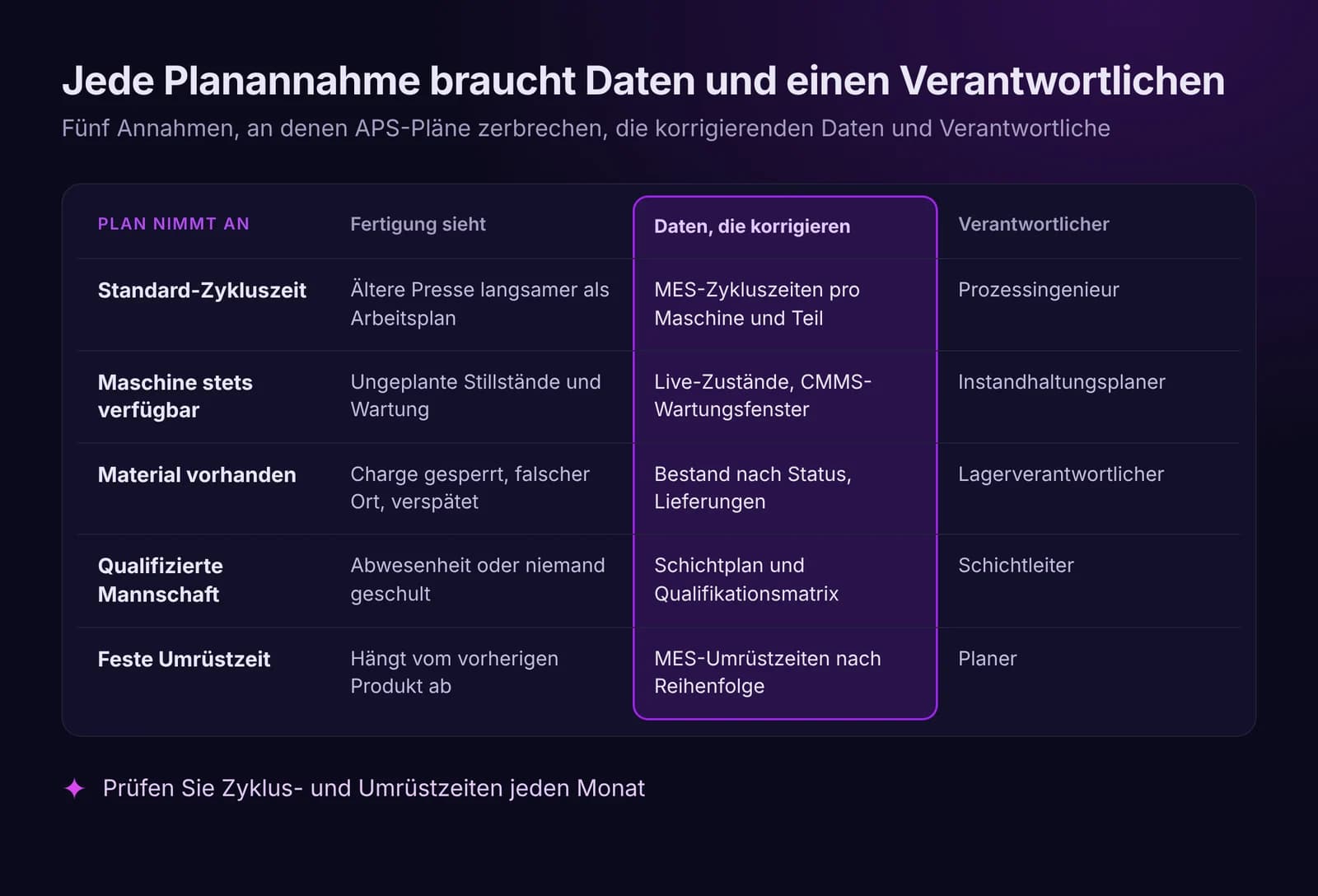
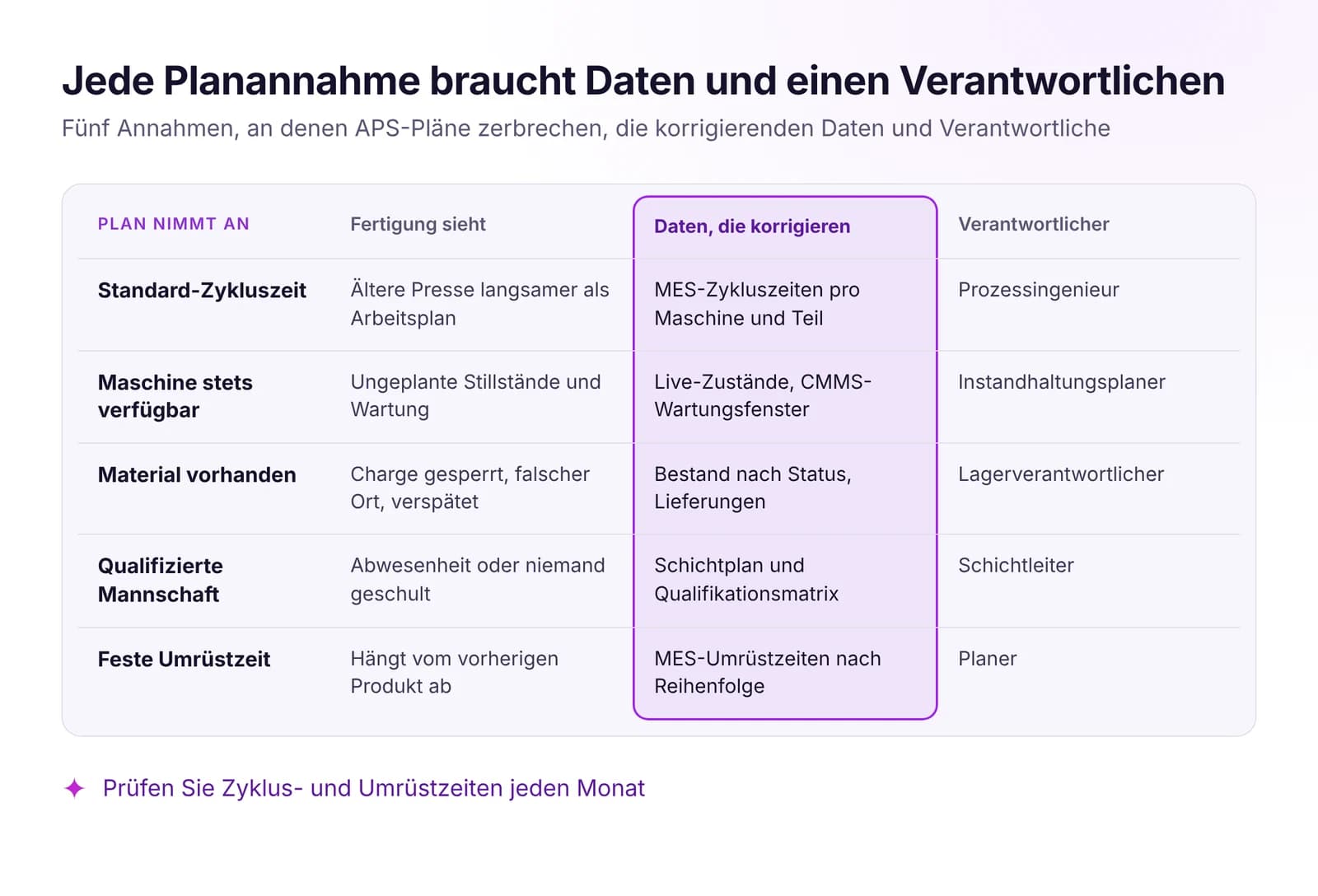 Produktionsplanung vs. Realität: Warum APS-Pläne scheiternAPS-Pläne scheitern an veralteten Annahmen zu Taktzeiten, Maschinen, Material und Personal. Welche Live-Daten den Plan gültig halten und wann neu geplant wird.Artikel lesen · 7 Min.
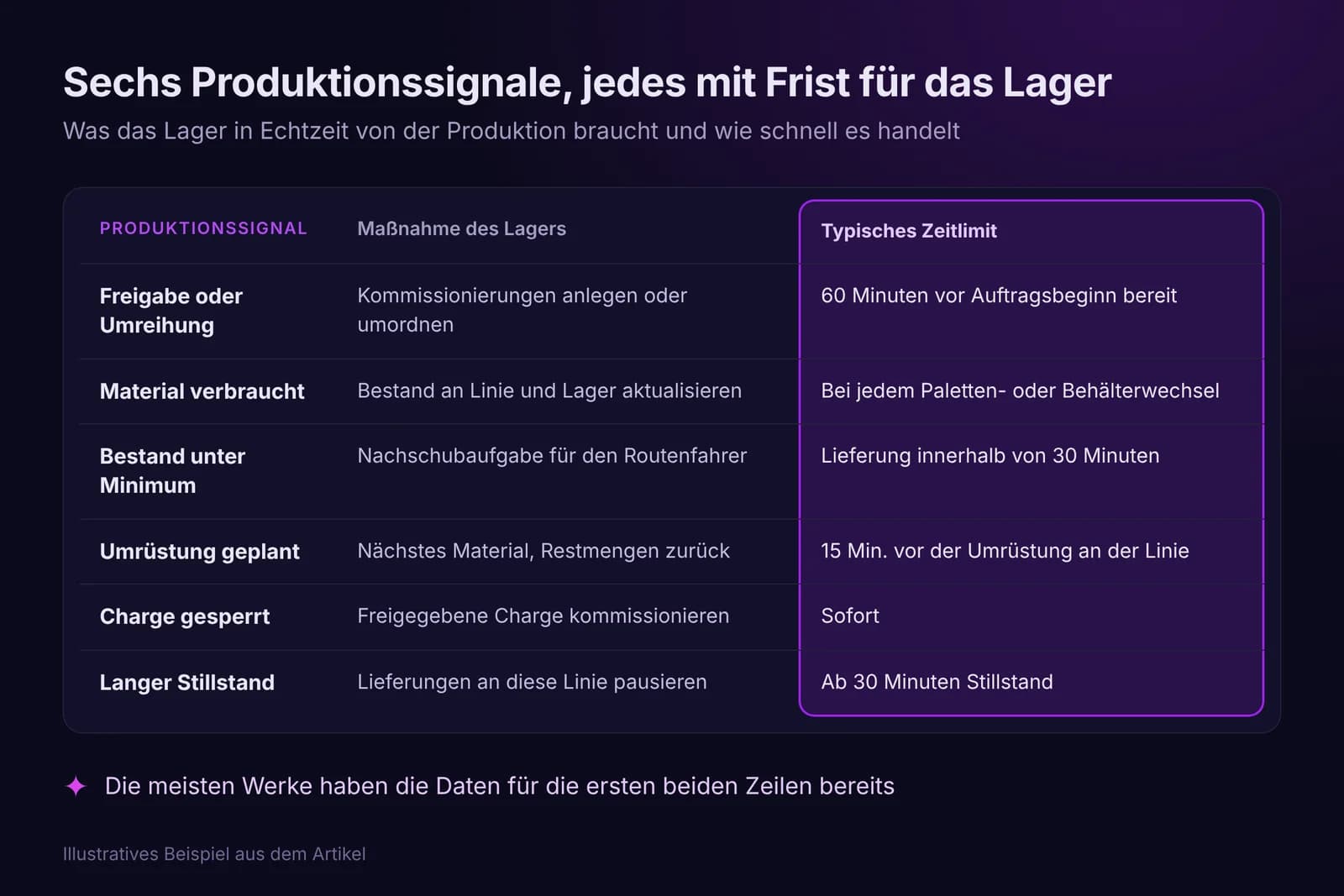
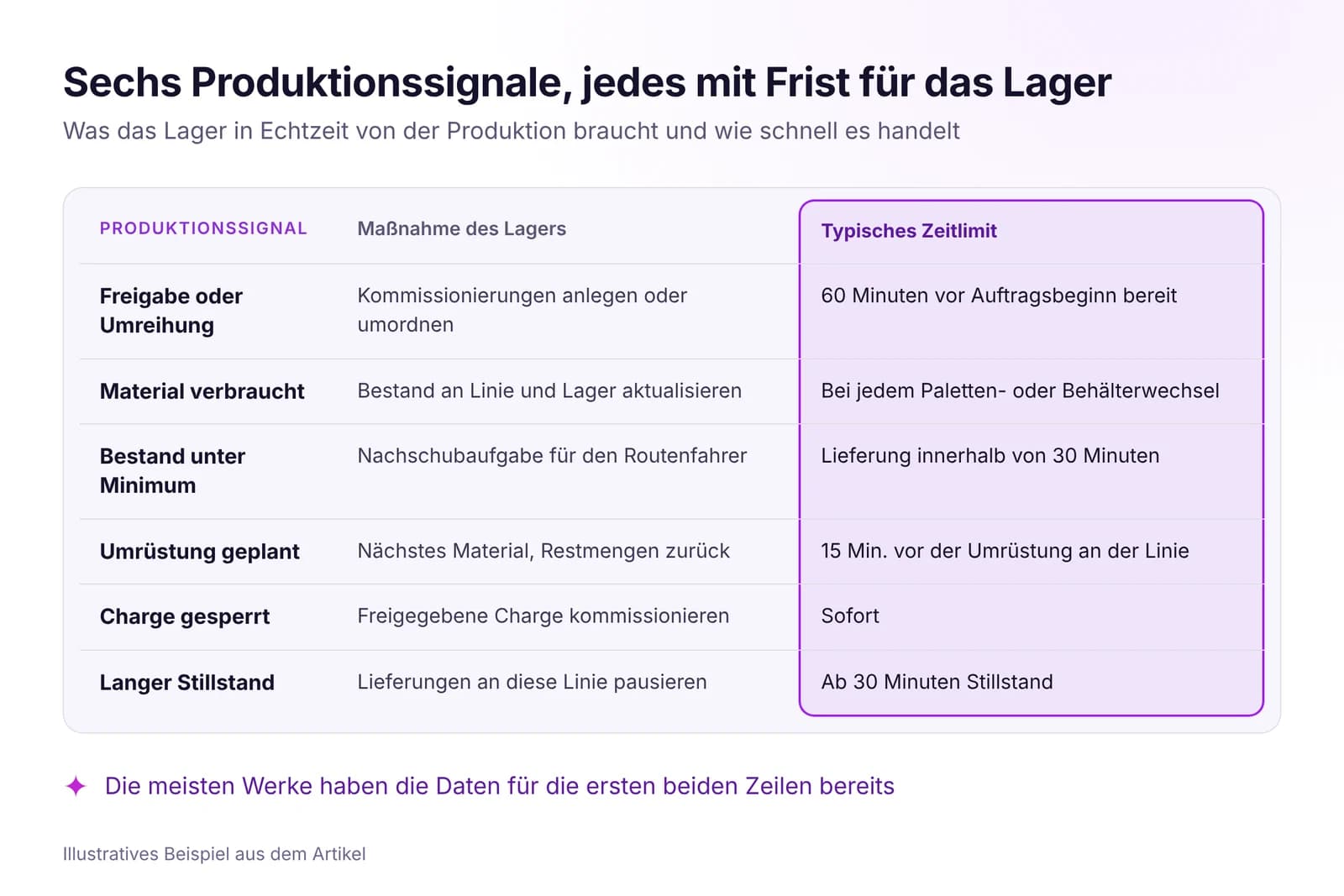 Lager und Intralogistik mit Echtzeitdaten optimierenDie Linie wartet auf Material, wenn das Lager die Produktion zu spät sieht. Welche Echtzeitsignale das WMS braucht, wie Pull-Nachschub läuft und was man misst.Artikel lesen · 7 Min.
MRP in IRIS testen
Starten Sie einen 14‑Tage‑Test mit den Daten Ihres Werks oder öffnen Sie die interaktive Demo mit Beispieldaten.